
 Get the iOS beta on TestFlight
Every feature is in the same app. No paywall splitting essential workflows behind a Pro upgrade, no ad banners on the terminal.

SSH client for Android & iOS
Mobile SSH
SSH terminals, tmux, herdr and Zellij managers, SFTP, VNC desktops, jump hosts and local tunnels — built for phones and tablets. Eternal Terminal keeps remote shells alive across interruptions. Android also includes VPN clients and USB/NFC security-key authentication.
Why Mobile SSH
Built around the things mobile SSH clients tend to get wrong.
Saved servers, credentials, and keys live on the device. No cloud account; nothing to be sunset.
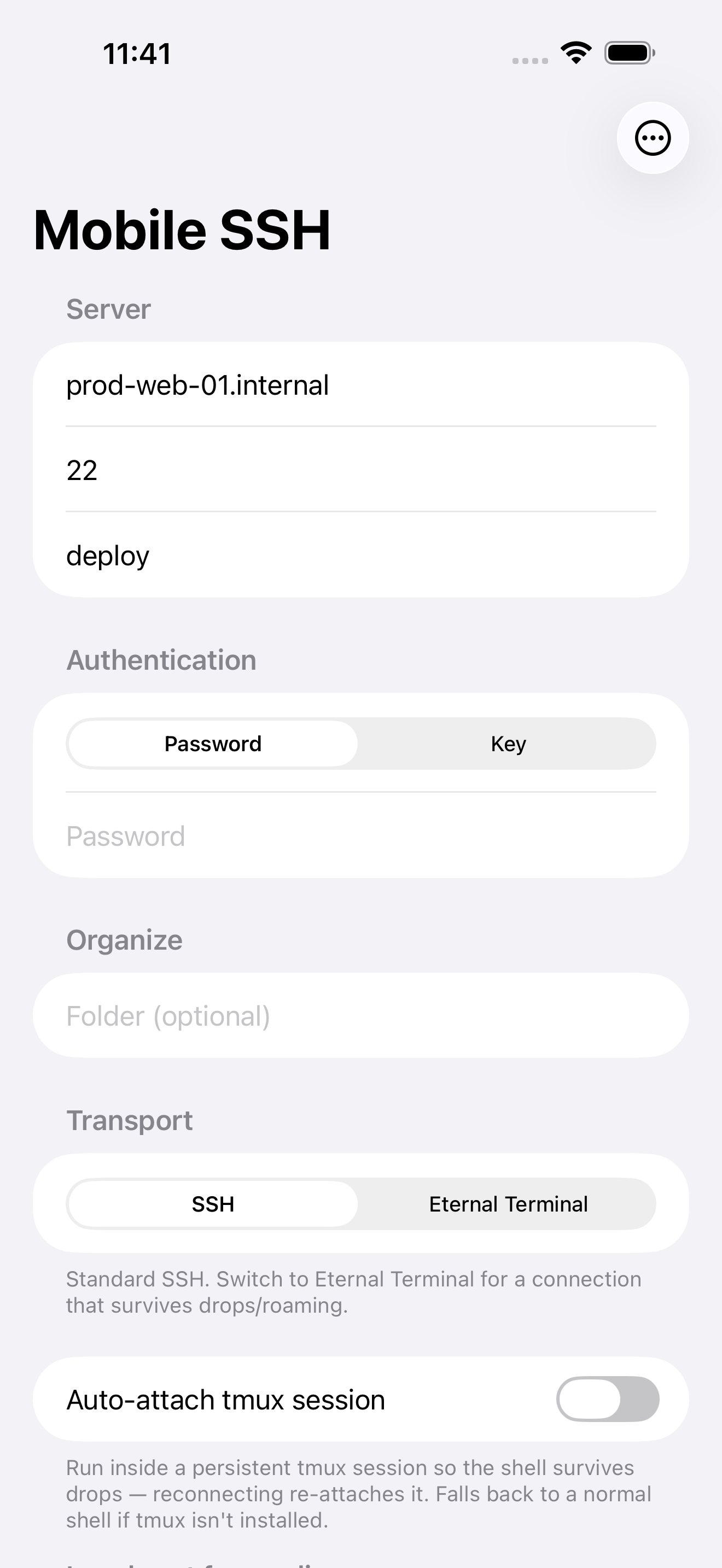
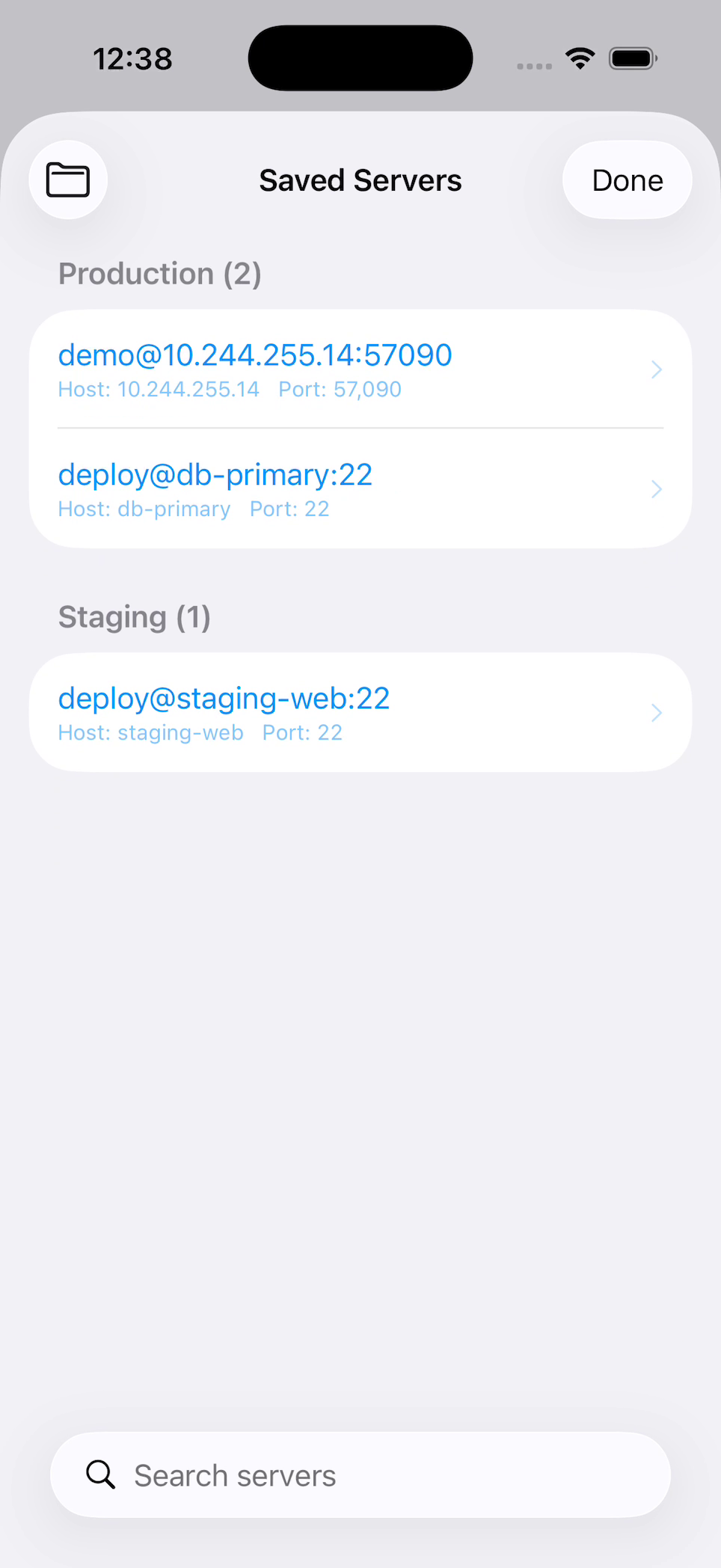
Add a host once, then search and tap to connect — keys, ports, and tunnels come with it.
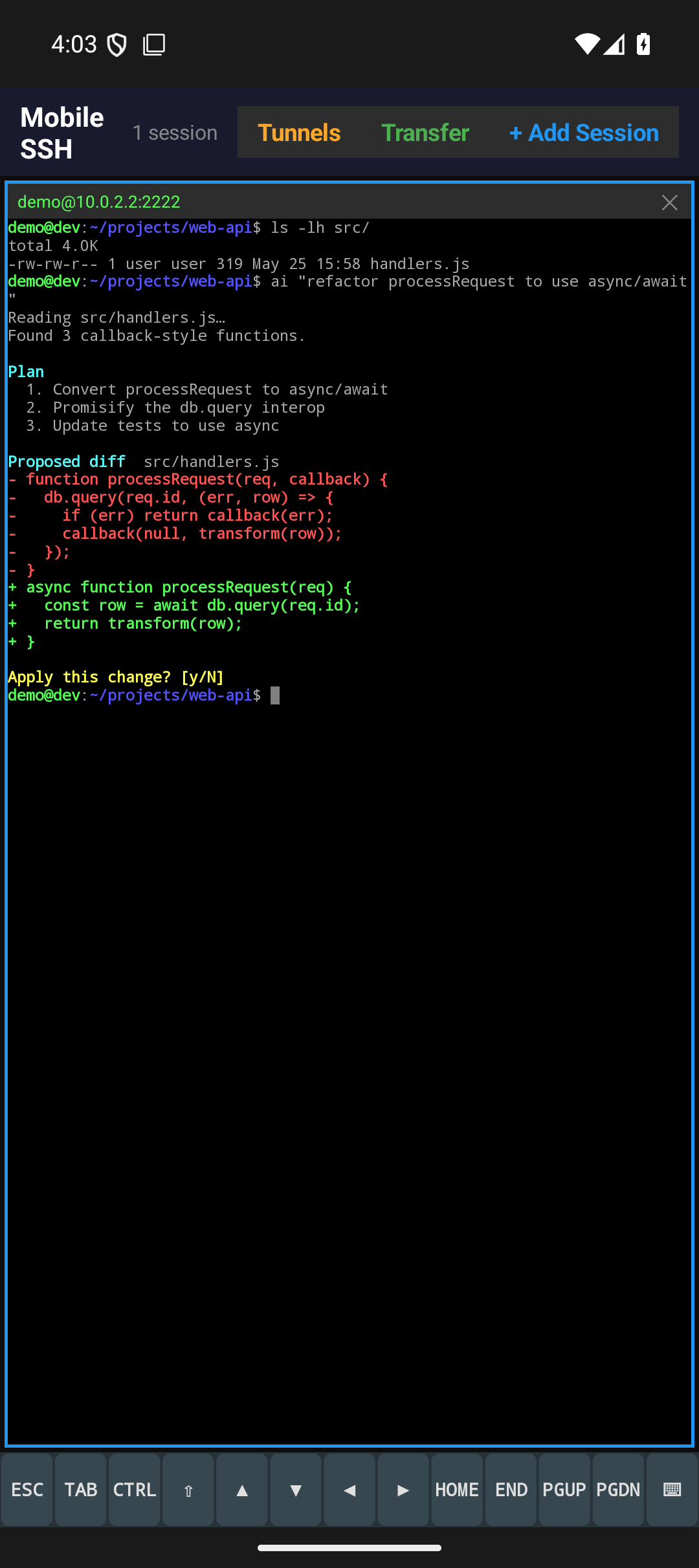
Know the moment Claude Code, Codex, or another agent needs you: the pane turns amber, a toolbar badge counts who is waiting, and the Agents list answers the prompt with one tap — no typing into the terminal.
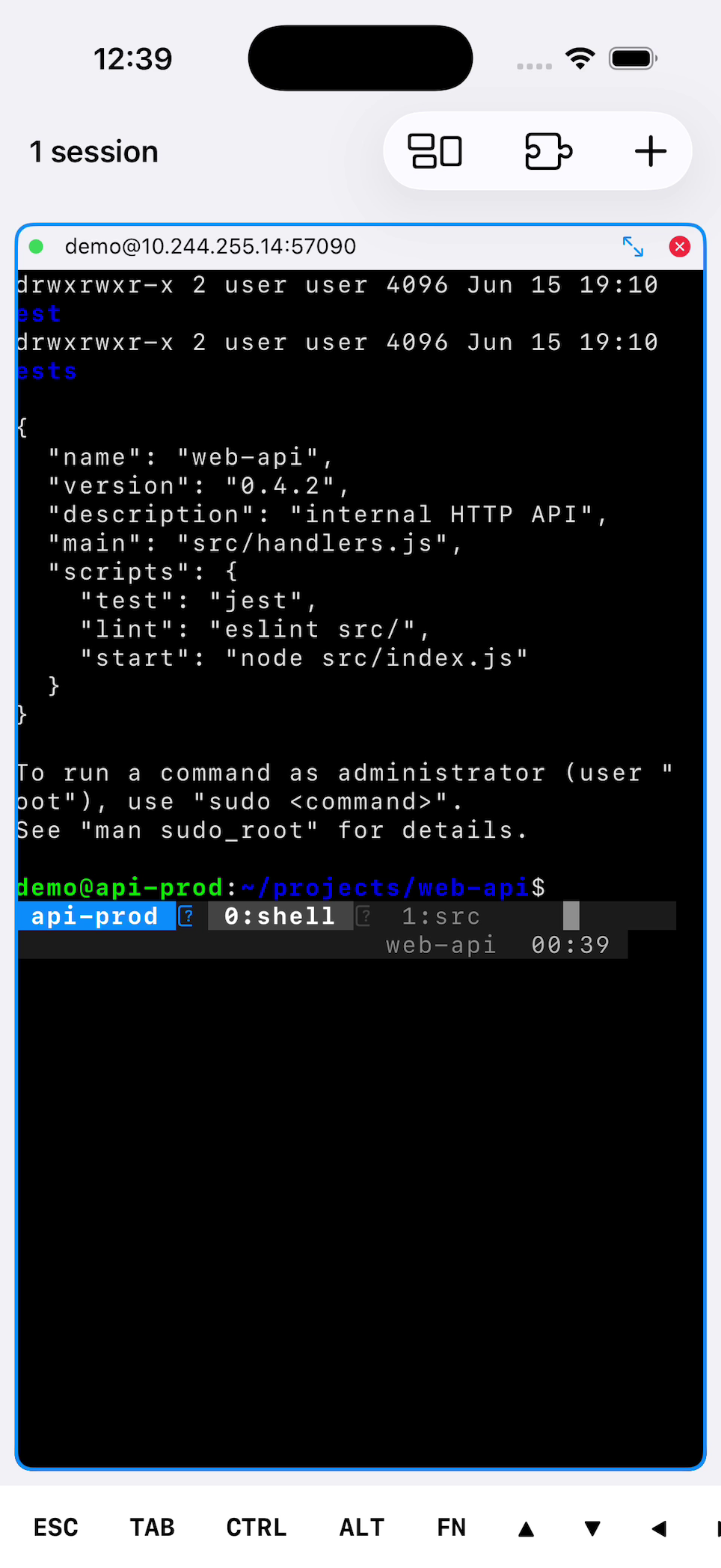
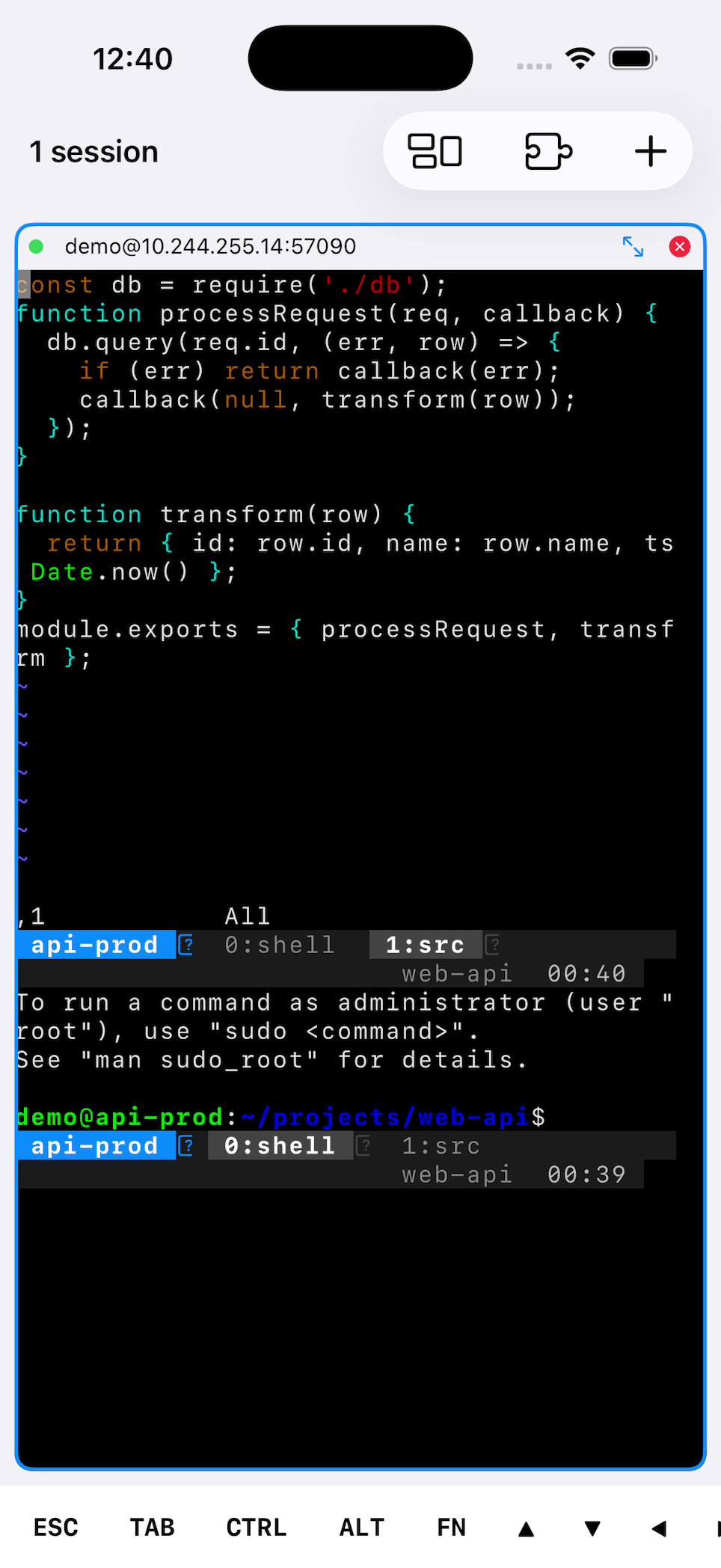
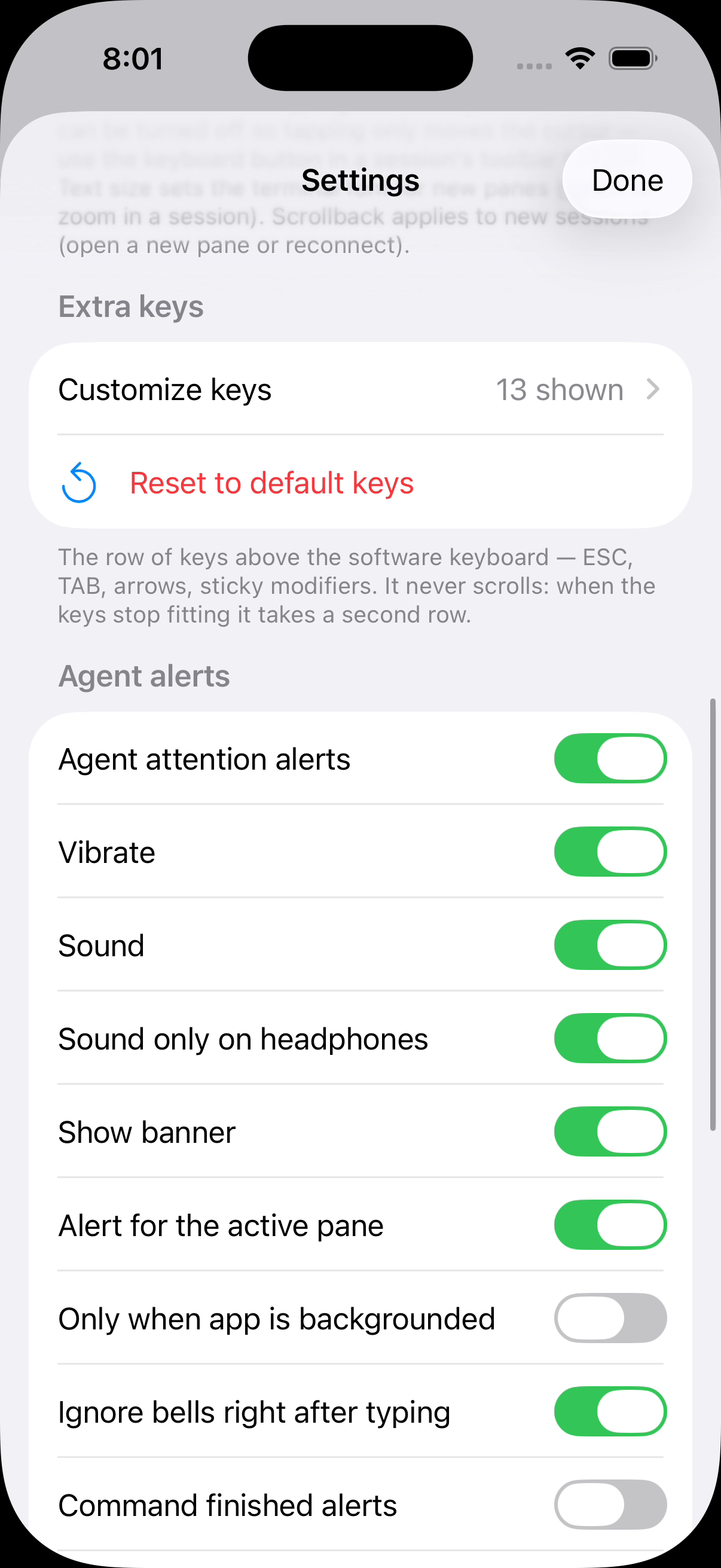
A thirteen-key row — ESC, TAB, CTRL, arrows, Home, End, PgUp, PgDn — that wraps to a second row instead of scrolling, so nothing is hidden off-screen. Add F1–F12, Ctrl combos, or your own escape sequences from a preset palette.
Tunnels attach to the server profile and come up automatically when you connect.
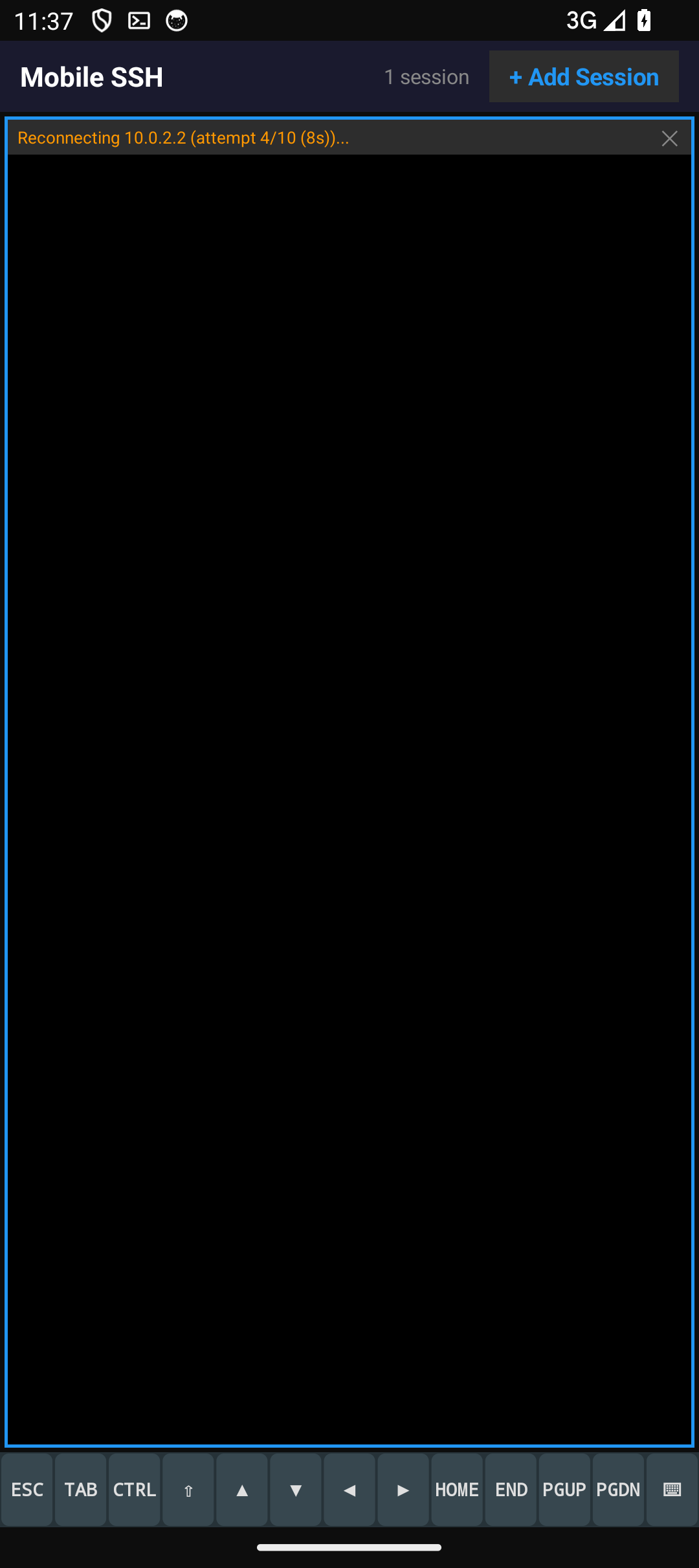
Give a saved server several addresses — a home LAN IP and a VPN IP — and Mobile SSH dials whichever answers, trying the last one that worked first, and reconnects the moment the network changes. On Android a foreground service and wake locks hold shells through screen-off; on iOS auto-reconnect plus tmux auto-attach put you back where you left off.
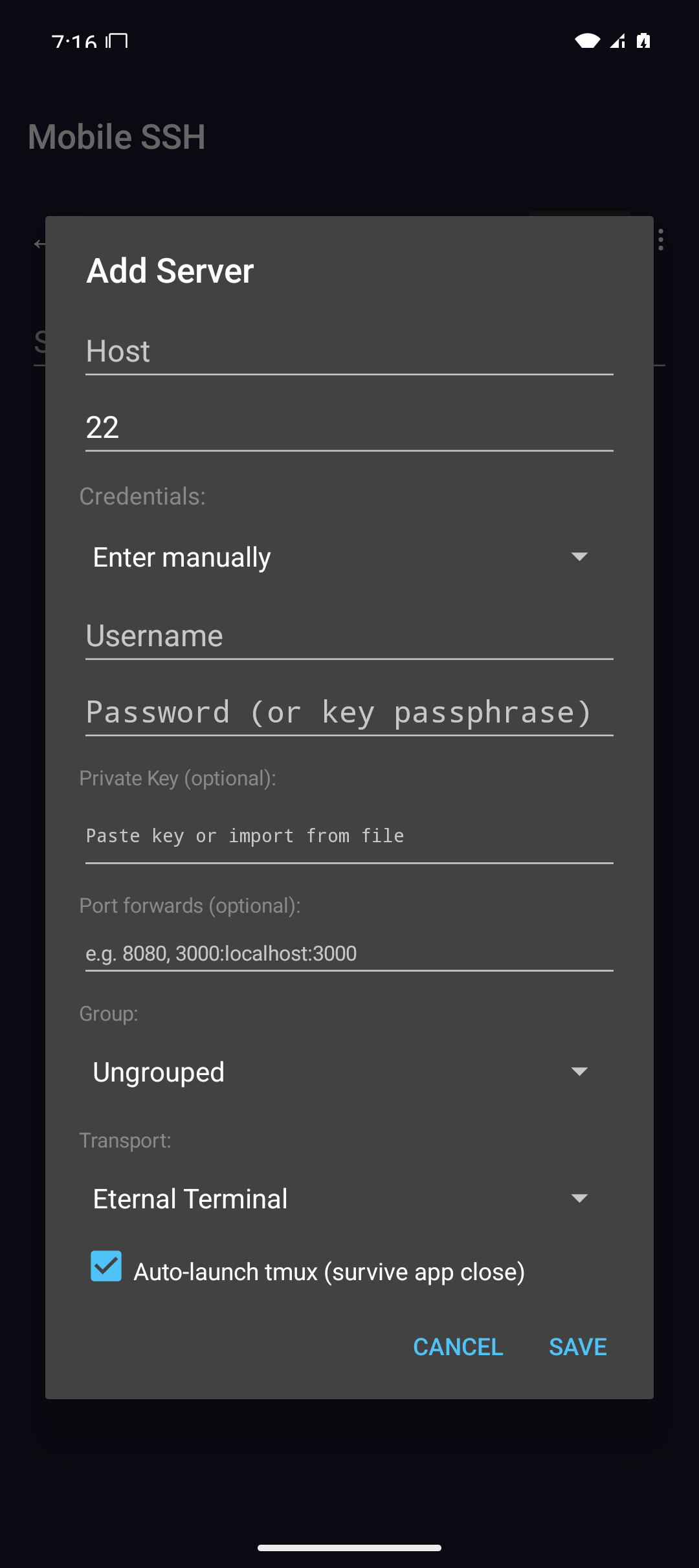
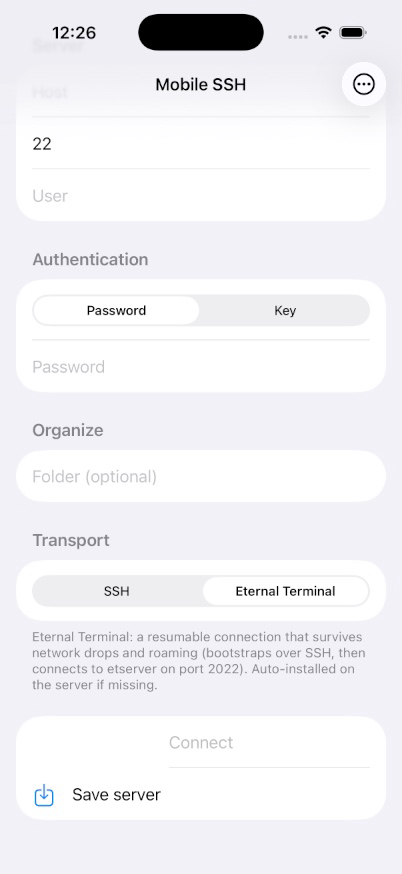
An optional ET transport keeps the remote shell alive across network drops, sleep, and IP changes. No etserver on the host? Mobile SSH can install it over SSH for you.
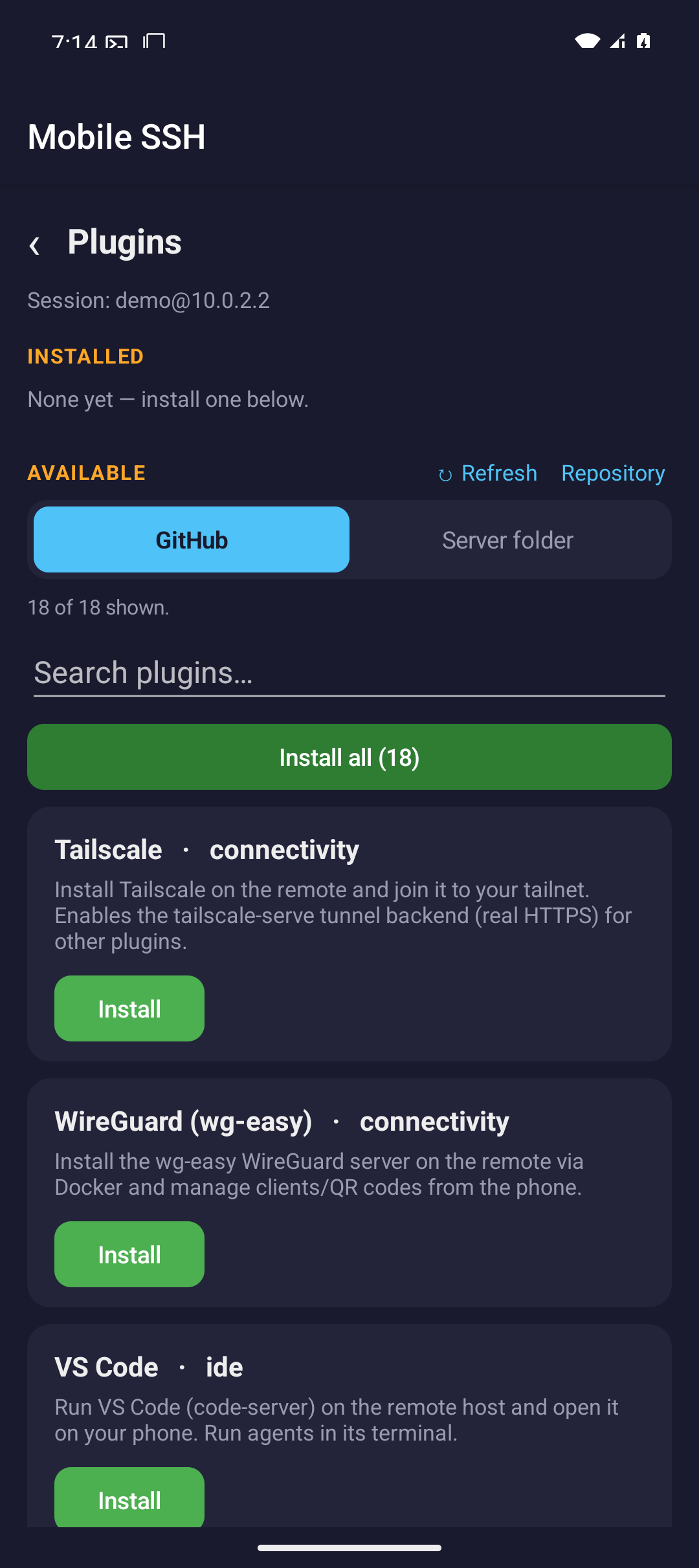
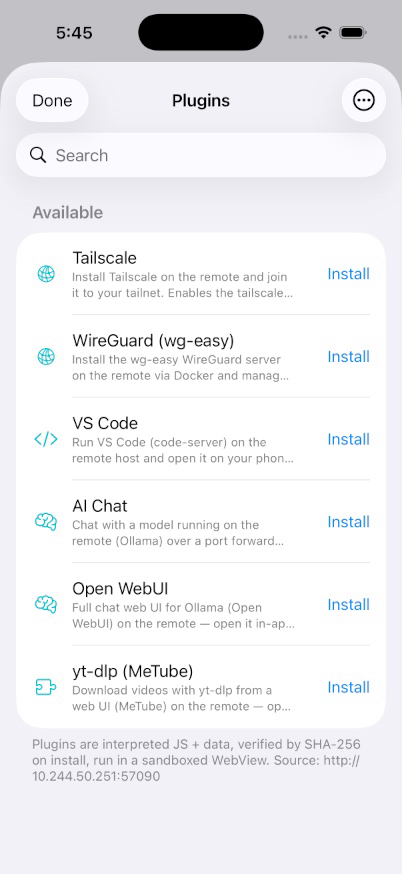
Browse a public catalog and install plugins on demand to add new workflows. Each plugin is downloaded and SHA-256 verified into app-private storage.
Built around mobile SSH work
Mobile SSH keeps the common admin path short: save a server, connect, keep sessions alive, move files when needed, and get back to active terminals quickly.
xterm-256color terminal with 24-bit true color, italics, in-terminal search, OSC 133 shell integration, and pinch-to-zoom text sizing — plus a configurable font and color scheme and Nerd Font powerline/icon glyphs on Android and iOS.
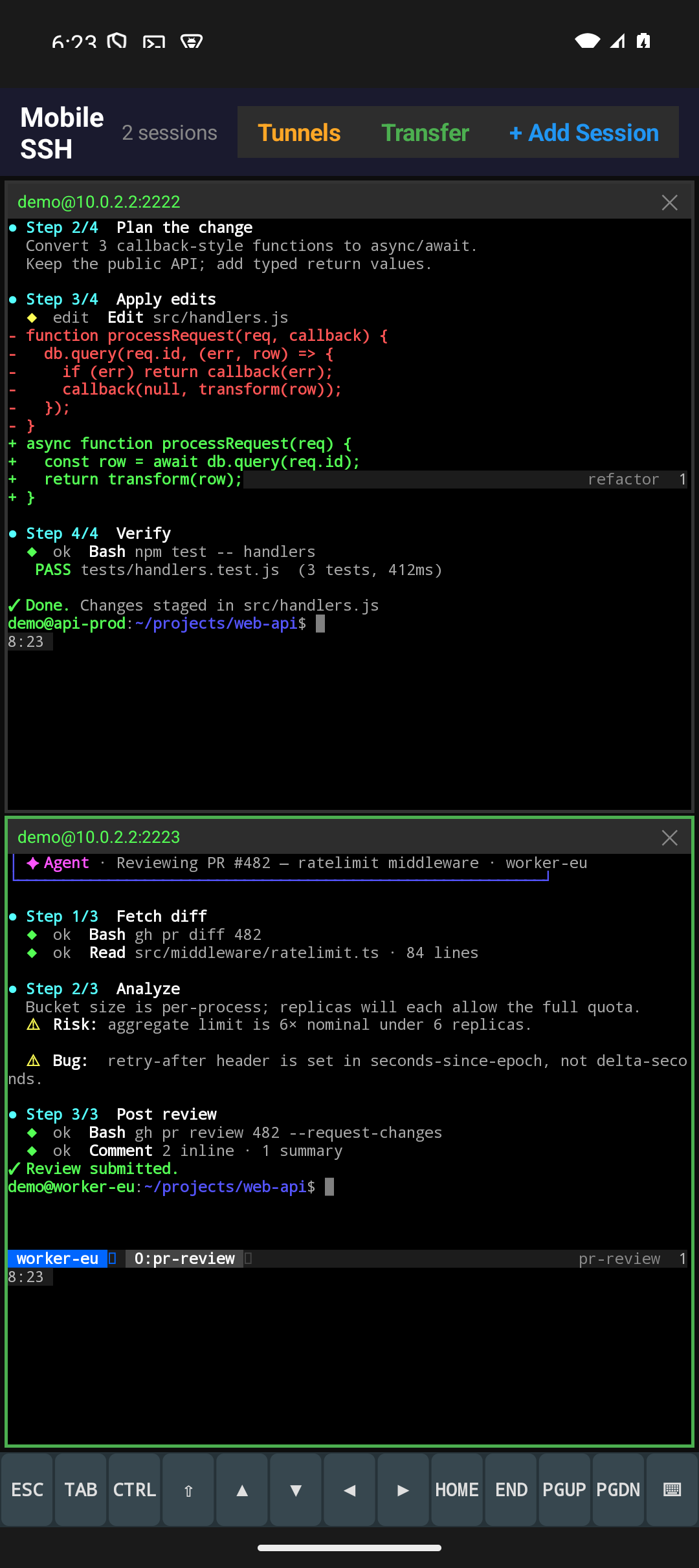
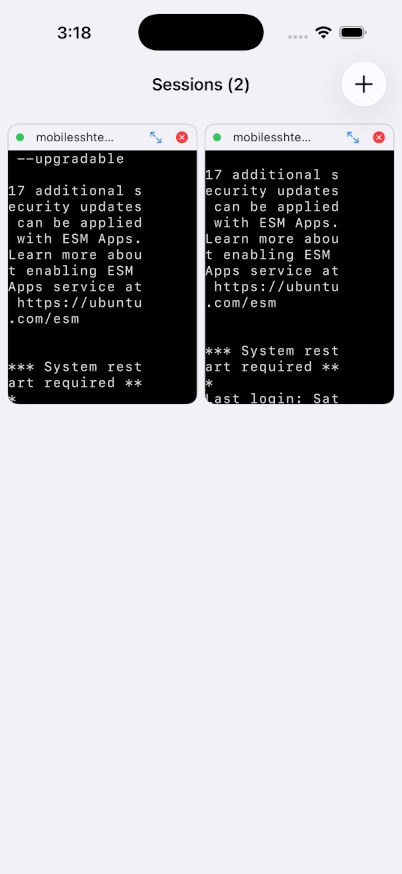
Up to eight SSH sessions in a resizable grid — tap a pane to focus, double-tap for fullscreen, pinch to resize text.
URLs in the terminal are underlined and open in the browser with a tap — no copying or switching apps needed.
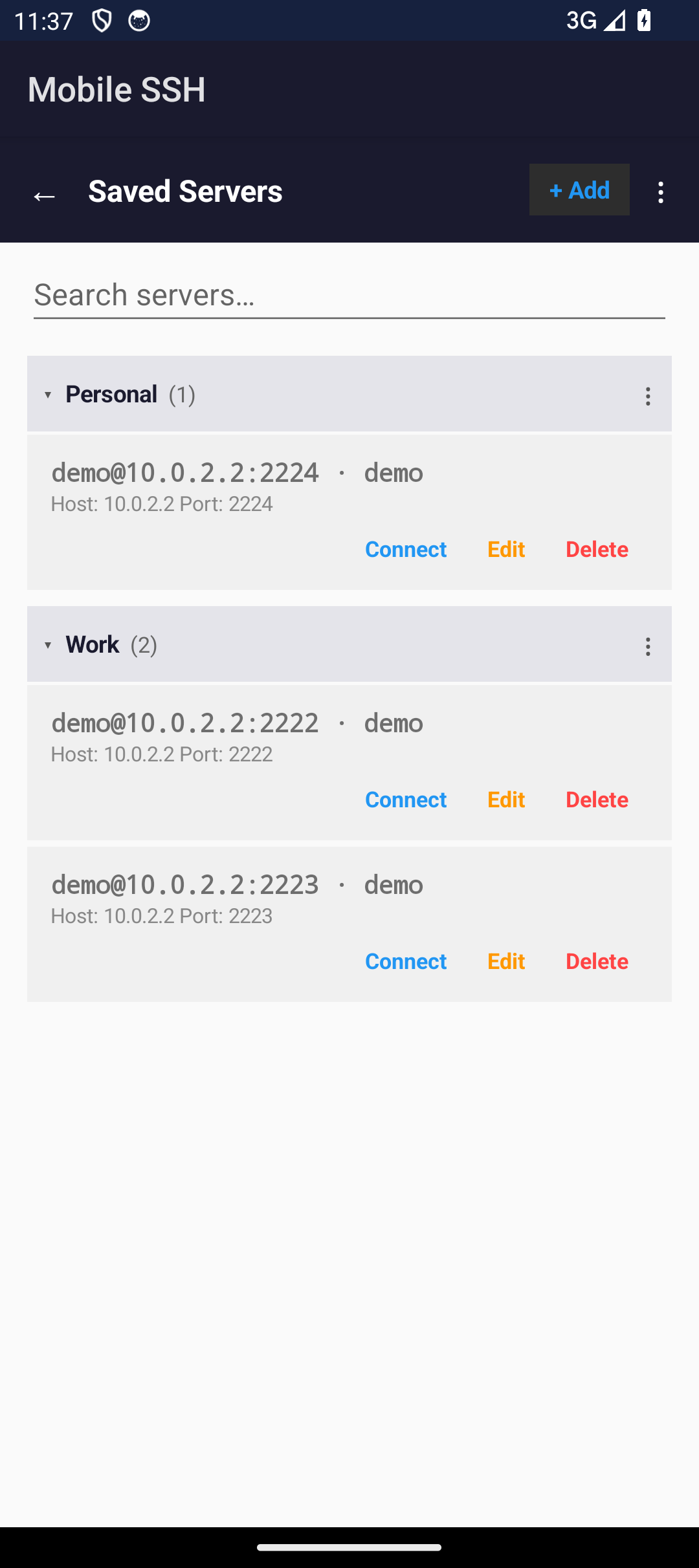
Organize saved servers into collapsible groups, and give a server a name that shows instead of its address. The address comes back whenever a name would be ambiguous, so rows never blur together.
Agents report through the terminal, so the app knows which one is blocked and on what. Answer from the Agents list with one tap; alerts replace rather than stack, and tapping one opens the pane that rang.
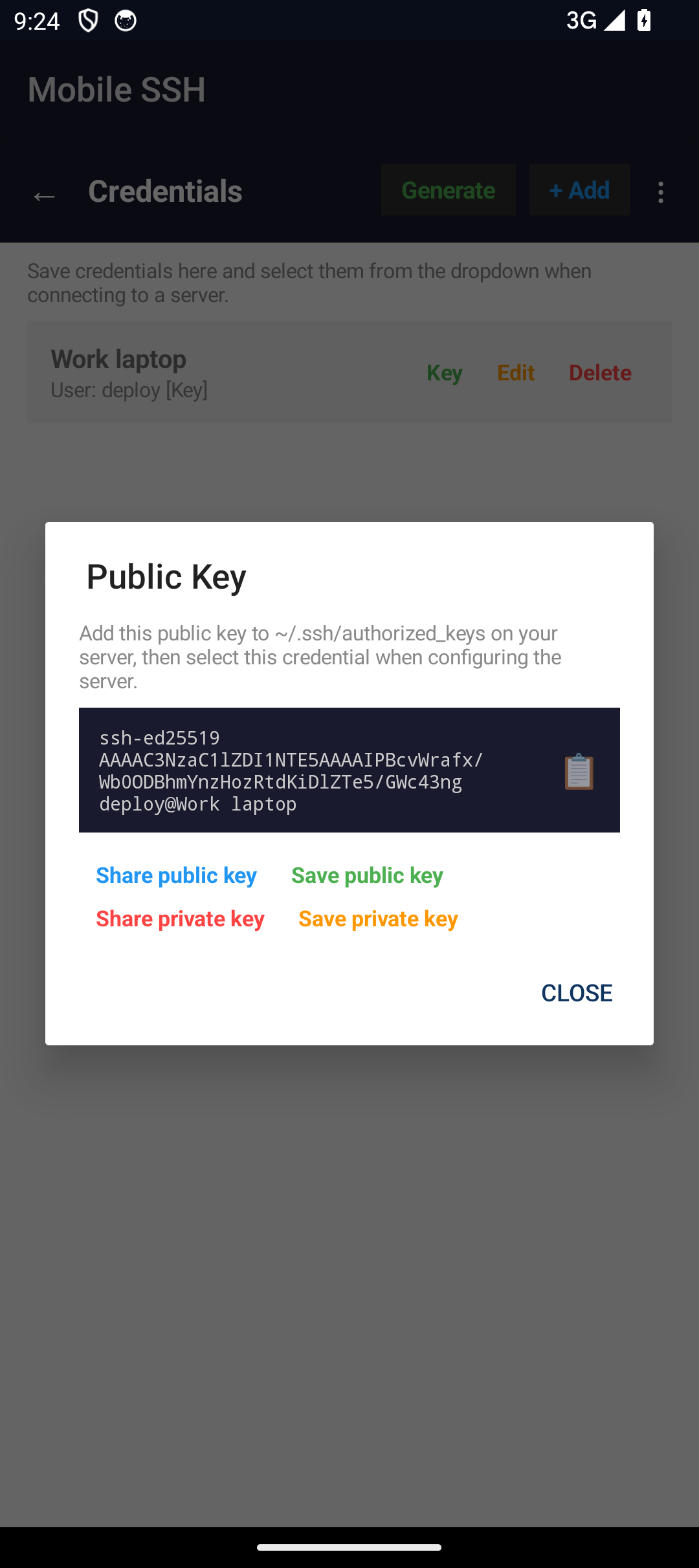
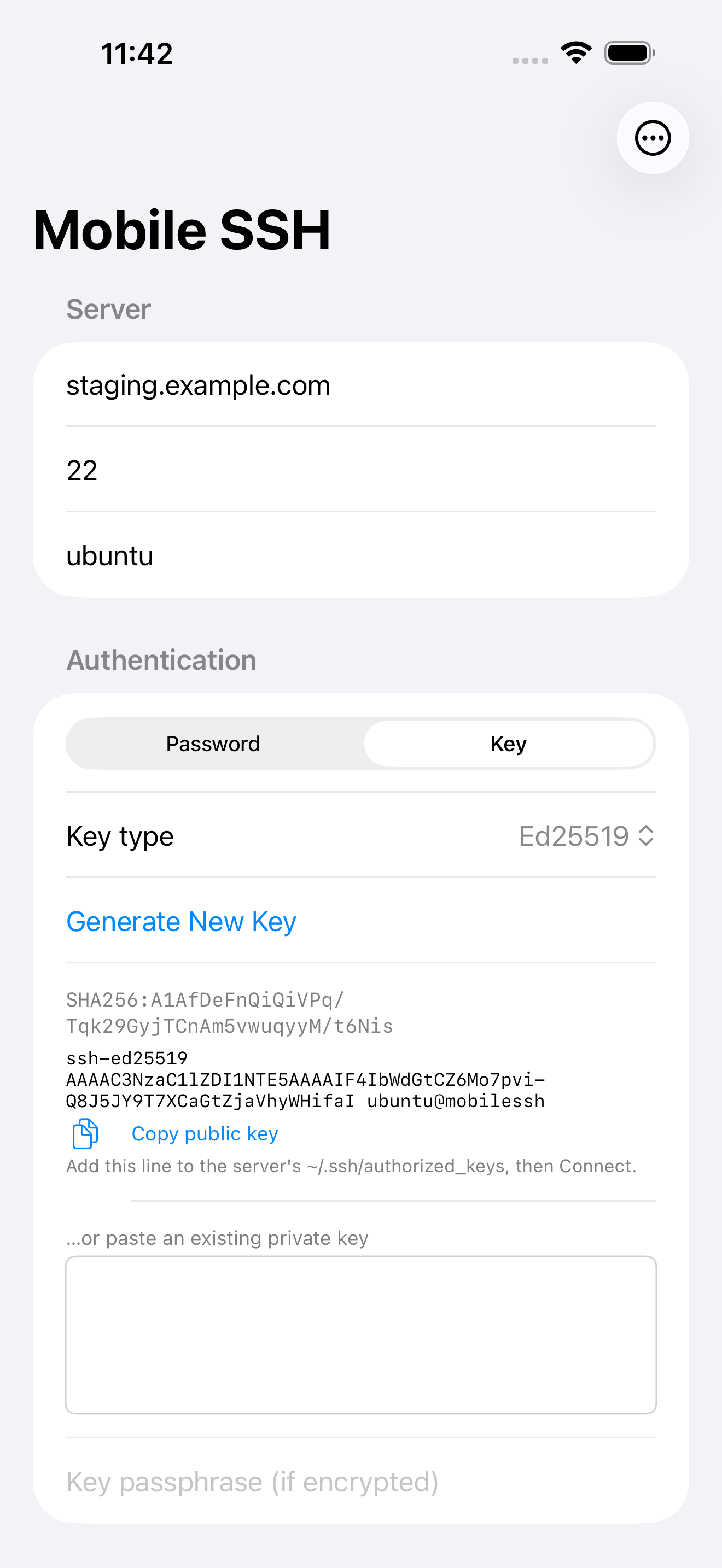
Use passwords or private keys, and generate Ed25519 or ECDSA keys on device (RSA too on Android). Android also supports USB/NFC FIDO2 security keys and per-server SSH agent forwarding.
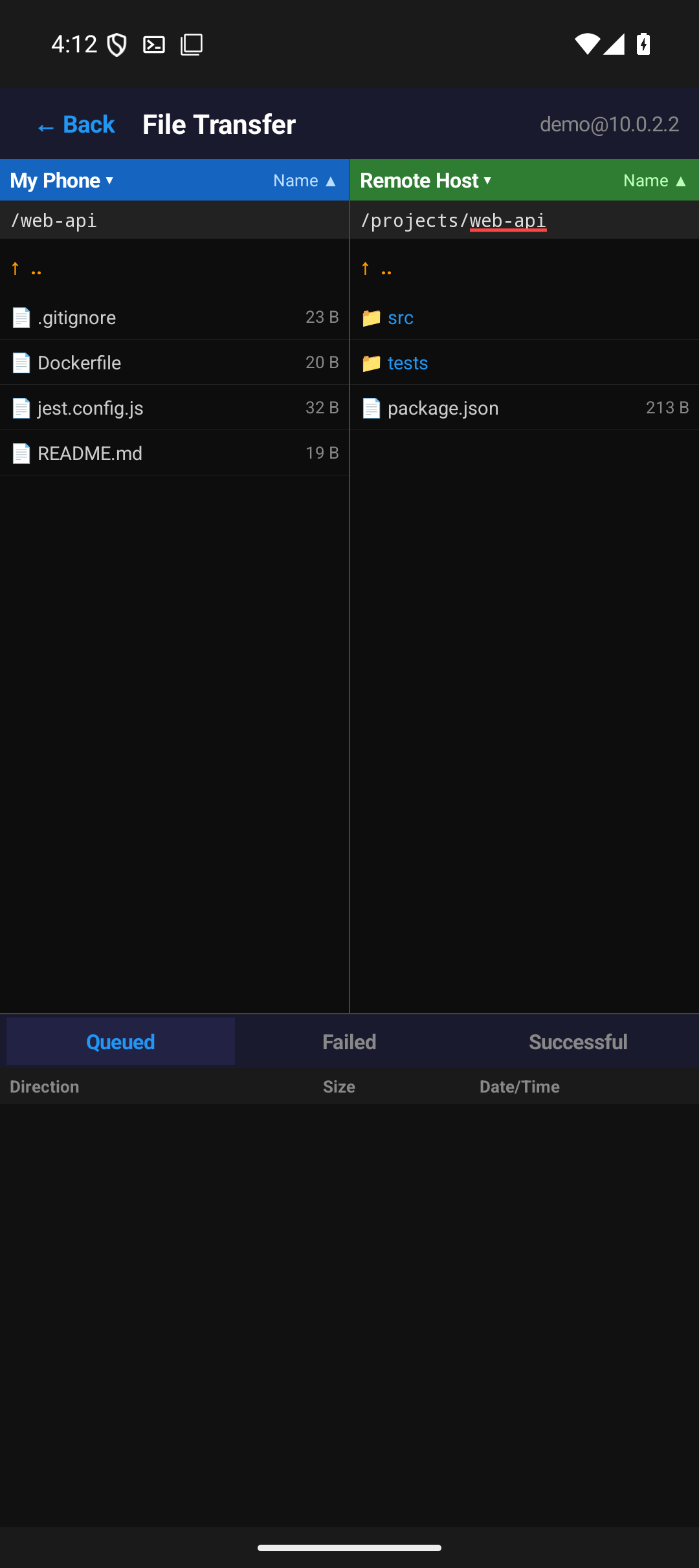
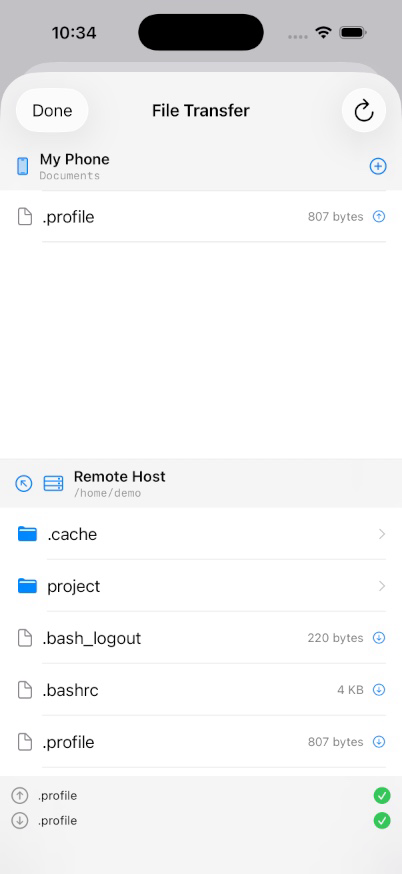
Dual-pane file browser tied to an active SSH session. Queue uploads and downloads, rename, delete, and inspect remote permissions.
Save local tunnel specs with a server profile and they open automatically on connect — including after a reconnect on a new network, without rebuilding them by hand.
Change network and sessions re-dial at once instead of waiting out a dead route, and a session in backoff wakes the moment a usable network appears. On iOS a server that has silently stopped answering is noticed and reconnected.
Back up servers, credentials and app settings, with optional passphrase encryption and Merge/Replace previews. Android includes VPN profiles; current Android and iOS backups share a format, with platform-specific settings preserved where supported.
Connect over Eternal Terminal (ET) for sessions that survive network drops, sleep, and IP changes — with optional automatic etserver setup over SSH.
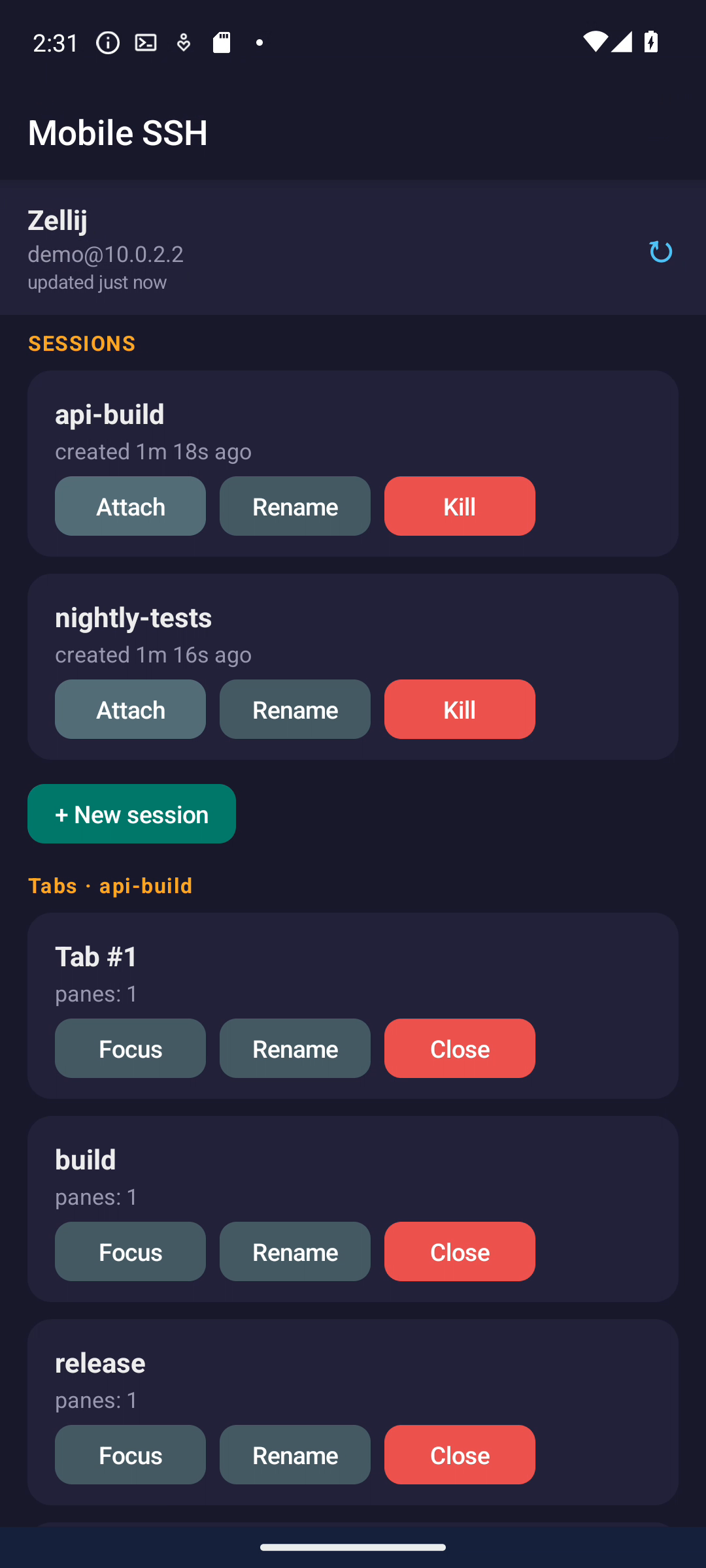
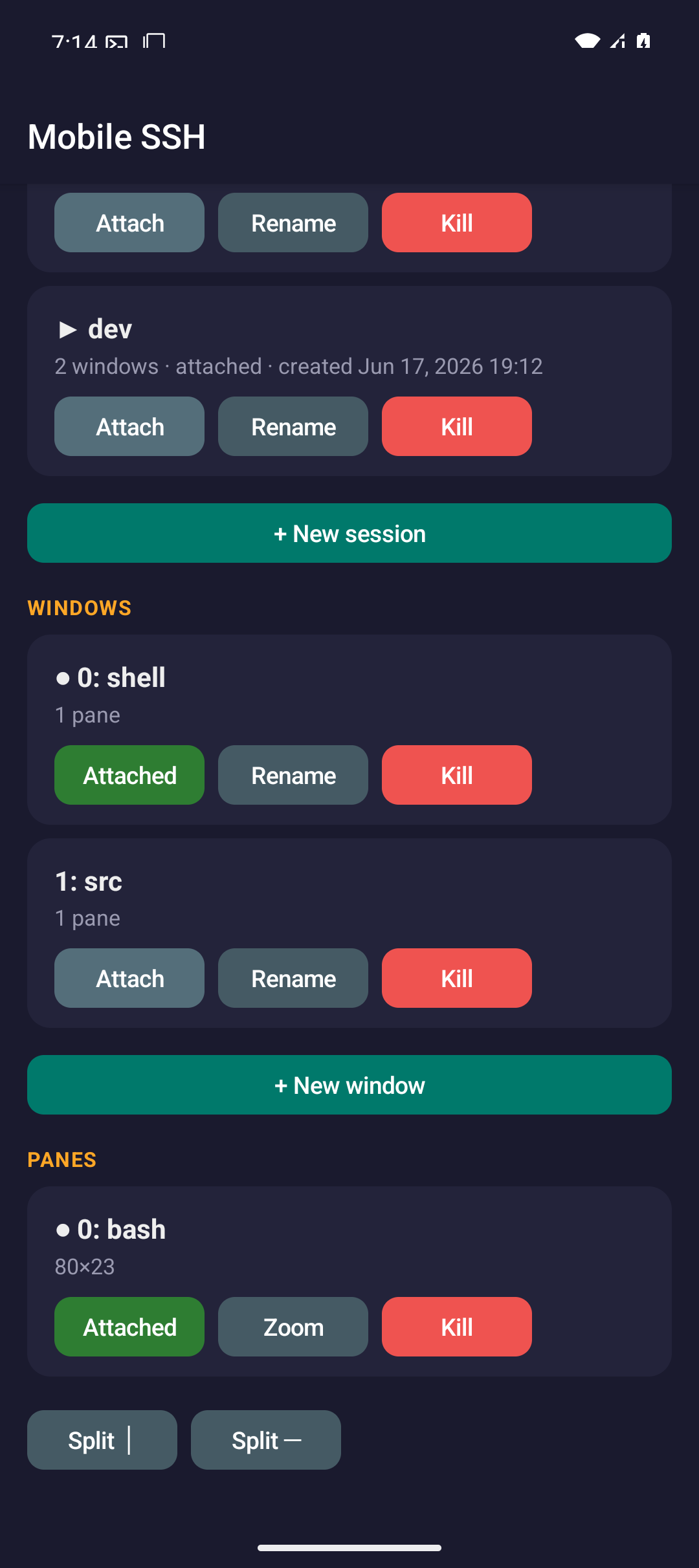
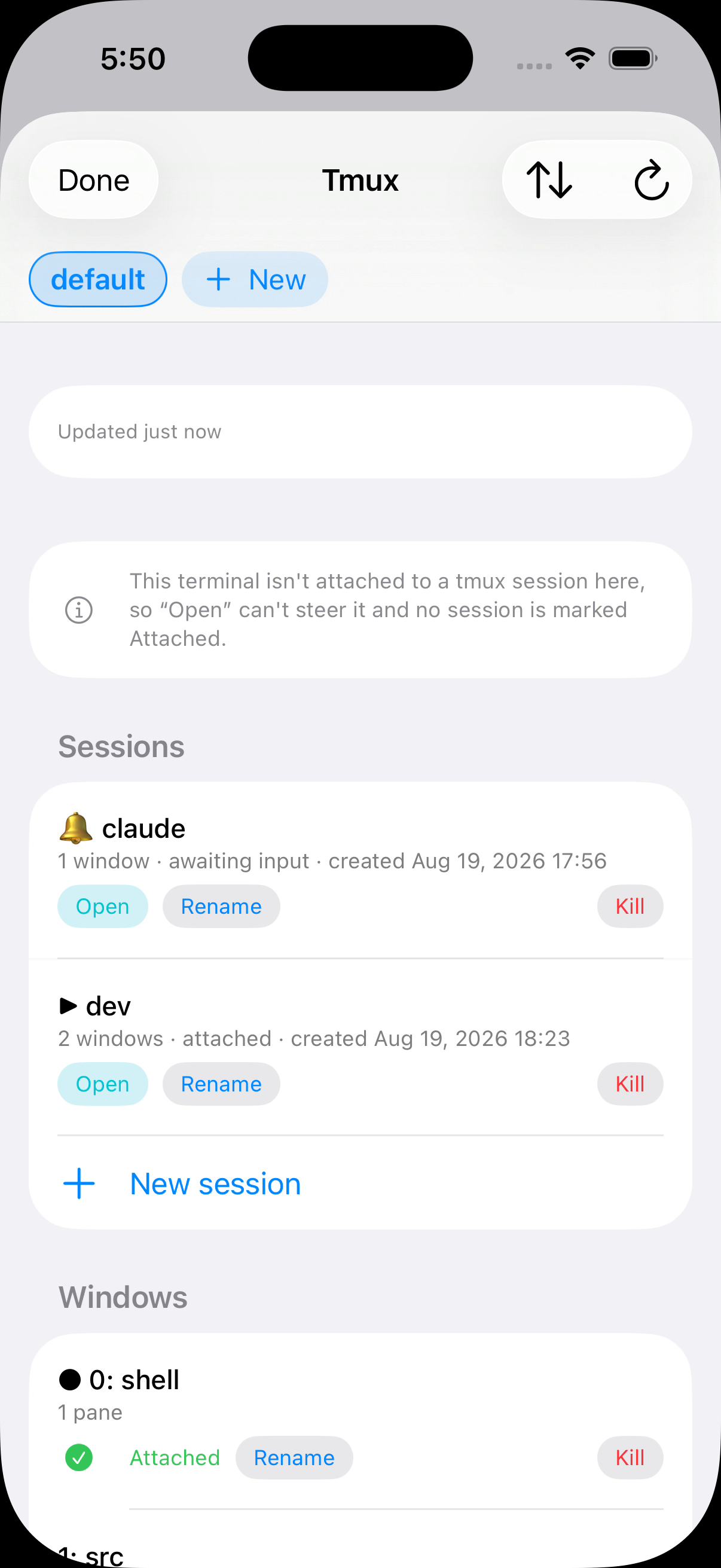
Attach, rename, create, split, zoom or kill sessions through the tmux, herdr and Zellij managers on both platforms. A shared multiplexer toolbar button opens the available managers; saved servers choose what to attach on connect.
Browse, search and filter plugins by category, then install the workflows you need. Downloads are SHA-256 verified into app-private storage.
Reach servers through saved bastions on either platform. Host-key checks run before authentication and block changed keys. Android can automatically pin new keys or ask first; iOS asks you to confirm unknown keys.
Open a VNC desktop through SSH on Android and iOS, with touch controls, keyboard input, clipboard support and remote screen sizing when the server supports it.
Manage SSH VPN, a local SOCKS5 proxy, WireGuard, Shadowsocks and OpenVPN from the home screen. Choose a profile, start routing, and use the Mobile SSH VPN Quick Settings tile to stop or resume it.
One screen, several live shells
The terminal view can hold multiple active SSH sessions in a grid. Select a pane to type, use the extra key row for terminal controls, pinch to adjust text size, and double-tap a pane when you need fullscreen focus.
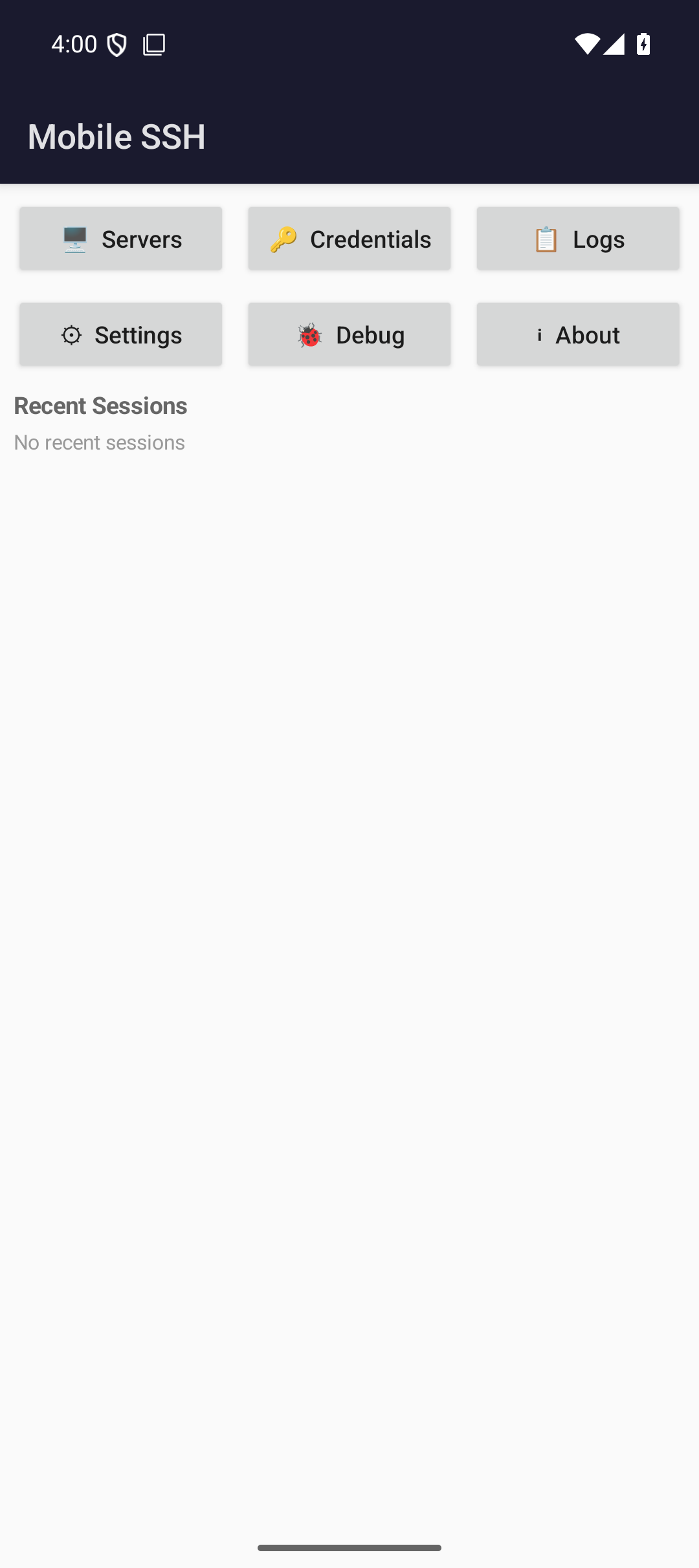
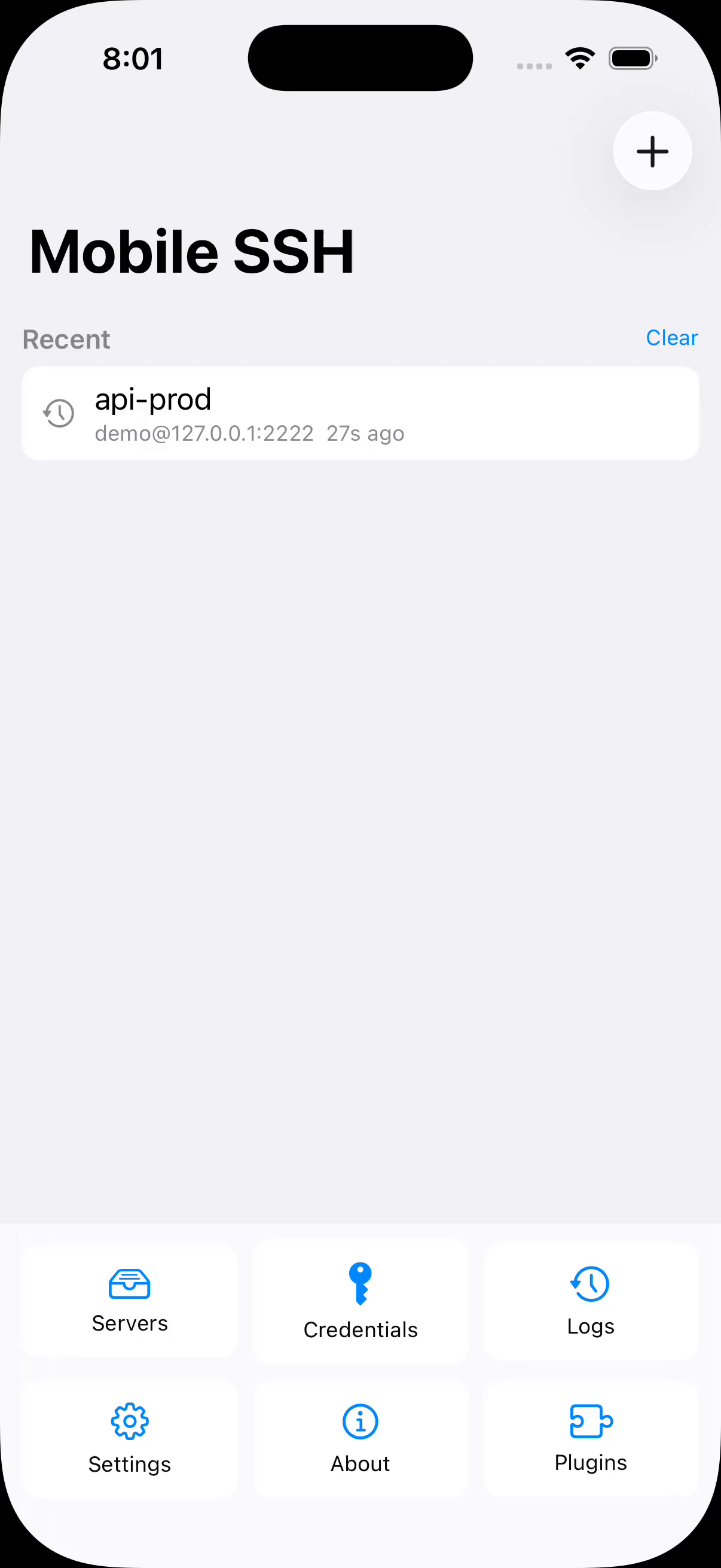
The home screen answers "what can I get back into?" — the connections live right now, and the tmux sessions waiting on your saved servers, rebuilt from a stored snapshot so they appear with no network at all.
SFTP when the terminal is not enough
Browse local and remote folders, queue transfers, remember each tmux session's remote directory, and open remote files in other apps. Both platforms accept shared files into a terminal session; iOS can remember a folder chosen in Files.
See it on a real device
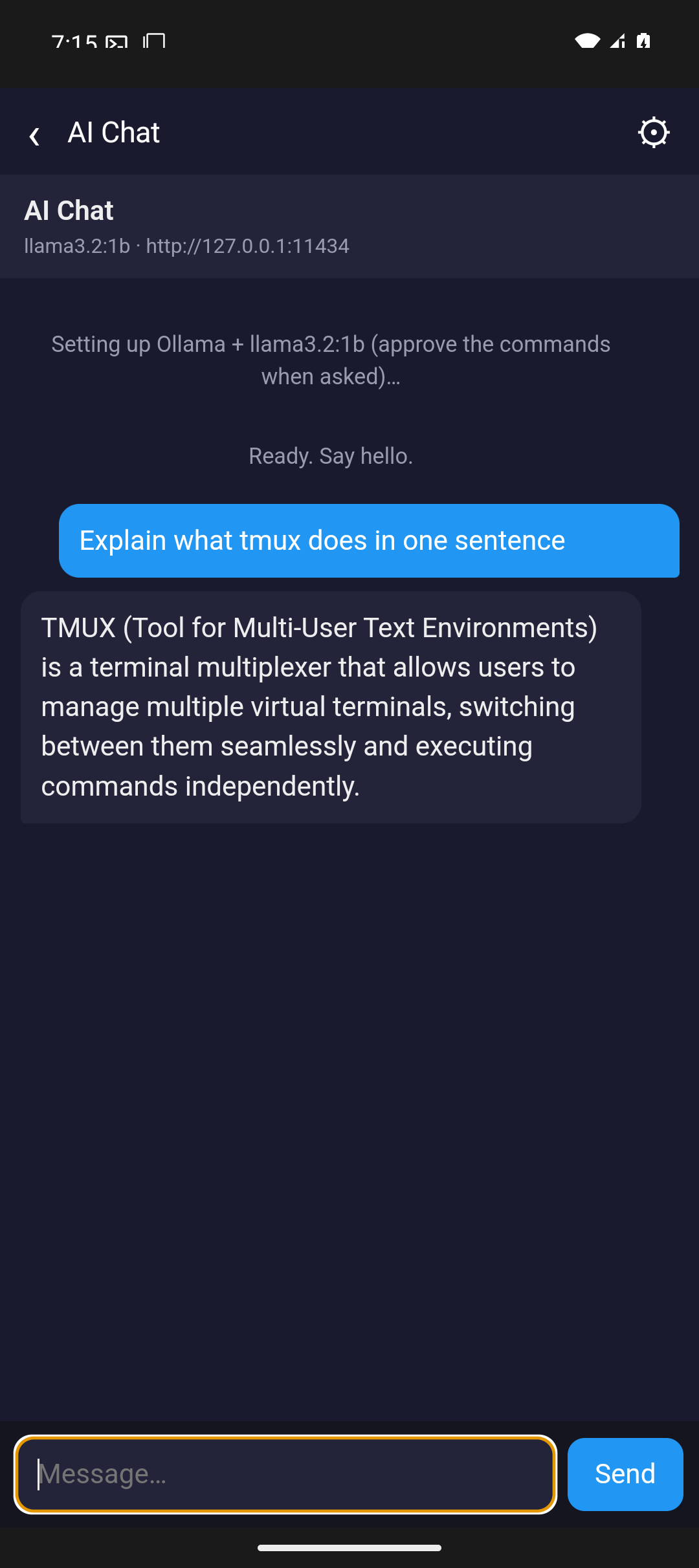
Screenshots from Android phones and iPhones — the same screens you'll use to add servers, work in terminals, run multiple sessions, and move files over SFTP.
Android
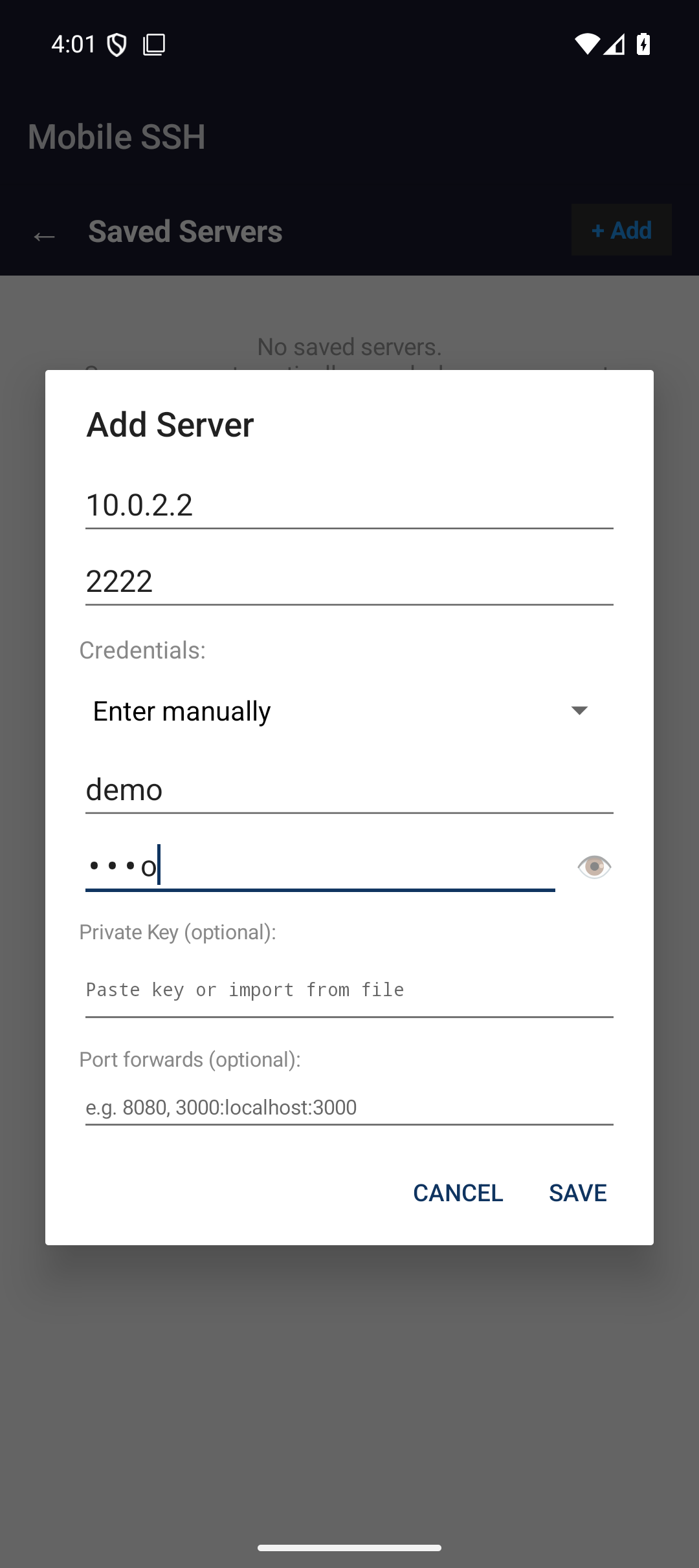
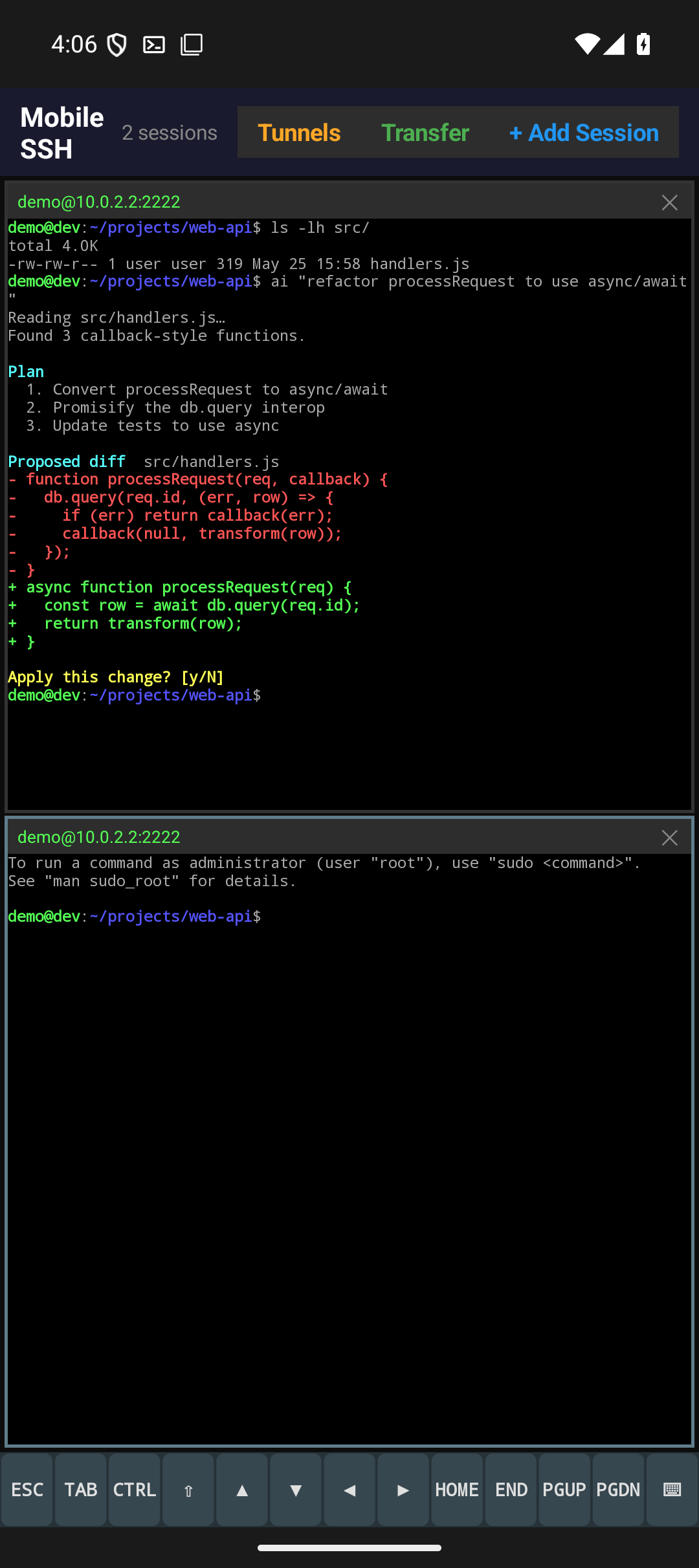
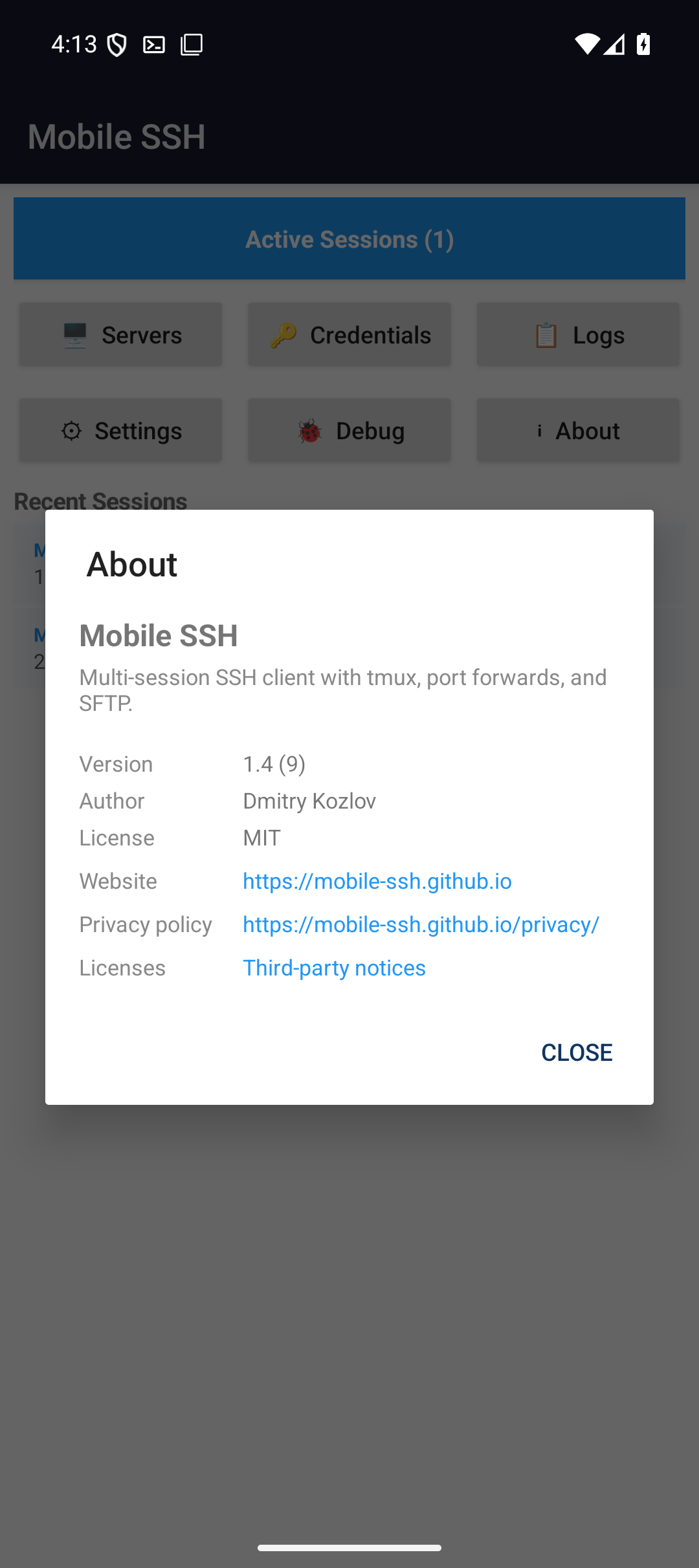
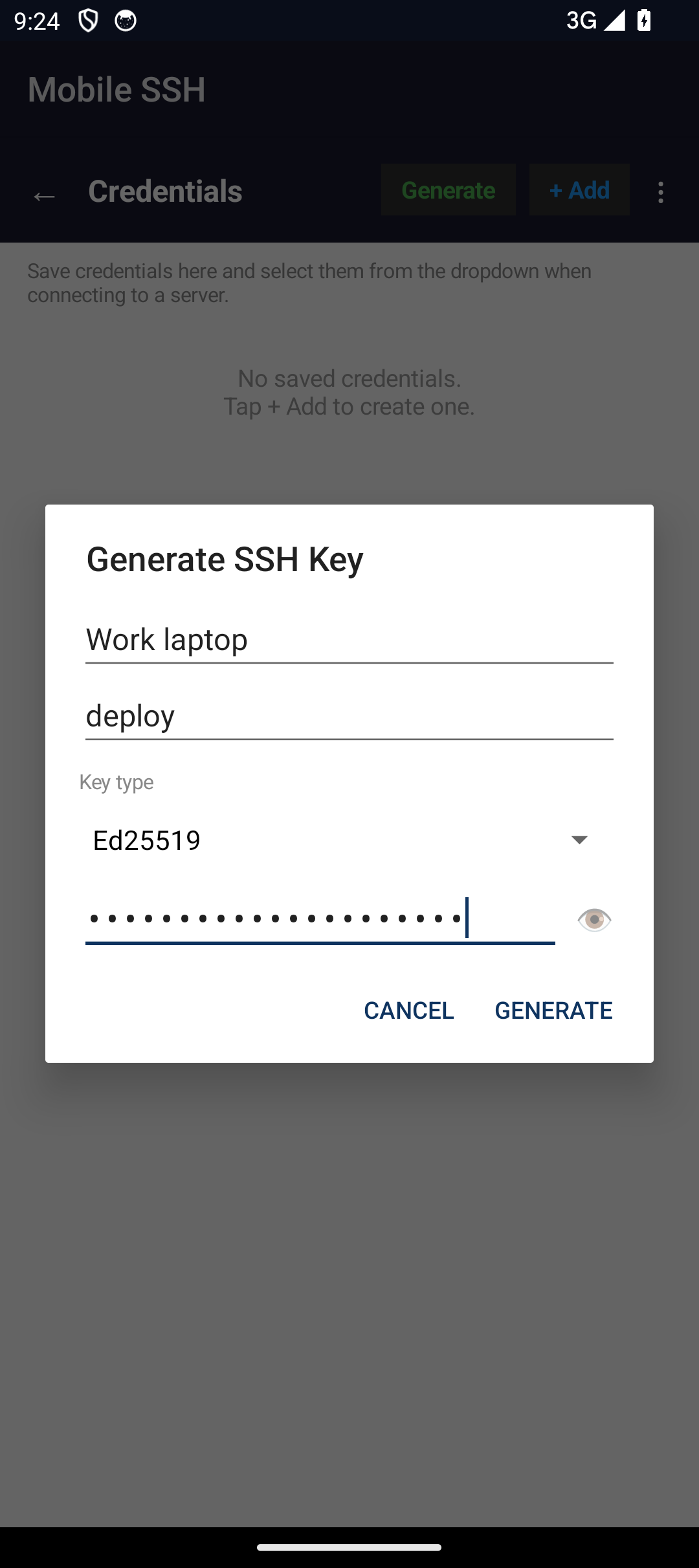
iOS — iPhone & iPad
See it in action
Short demos on both platforms. Android: the home screen answering what you can get back into, a session toolbar showing only what that server has, sending a file straight into the prompt, and the tmux, herdr, and Zellij managers. iOS: launching into a live terminal and the home screen you come back to.
One video per session manager
The overview demos introduce tmux, herdr and Zellij. These longer recordings show their session, window, tab and pane controls on both platforms against a live server.
tmux
Sessions, windows and panes reached from the home screen, one session flagged by a bell because something on it is asking for attention. Attach a window and the live terminal follows it; create a window and name it — no prefix chord typed at any point.
herdr
Workspaces, tabs and panes carrying real agent state — one agent working, one blocked and waiting on a person. Preview the blocked one, answer it from the phone, and watch herdr reclassify it working, then done.
Zellij
Sessions with their age, then tabs and panes. Preview a pane's output, add a named tab, focus the one that matters, and attach — with nothing typed at the prompt.
Three more, filmed on Android
There is no iOS take of these yet. Same live server as the demos above: a session that survives leaving the app, a key made on the phone instead of typed into it, and servers grouped the way you think about them.
The session outlives the app
Android keeps the connection in a foreground service, and the ongoing notification names the server and offers Disconnect all. Leave while a log is streaming and return to the running session. iOS allows only brief background time, then reconnects and reattaches to your multiplexer.
Keys are made here, not typed
Generate an Ed25519 key on the phone: a label, a username, an optional passphrase. The sheet that follows shows the public half to add to a server's authorized_keys, and can share or save either half.
Servers live in folders you name
Group saved servers into folders and collapse the ones you are not using. The same take ends in the terminal, where a URL printed by a command is underlined and tappable rather than something to select by hand.
An animated chart, inside the terminal
A 36-frame GIF streamed over the Kitty graphics protocol and decoded by the app at the file's own frame timing — not stepped from outside. Then the escape sequences a terminal is judged by: OSC 8 turns build numbers and dashboard names into things you can tap, OSC 52 lets the remote write your phone's clipboard, and OSC 777 raises a real Android notification.
How it fits beside Termux and Termius
Mobile SSH is intentionally narrow: it is not a full Linux environment and it is not a cross-platform team vault. It is a local SSH/SFTP tool for Android and iOS with fast access to the session controls mobile users need most.