
 Get di iOS beta for TestFlight
All di features dey for di same app. No paywall wey go hide important work behind Pro upgrade, no ad banner for di terminal.

SSH client for Android & iOS
Mobile SSH
SSH terminals, tmux, herdr and Zellij managers, SFTP, VNC desktop, jump hosts and local tunnels — all built for phone and tablet. Eternal Terminal dey keep remote shells alive when network cut. Android still get VPN clients and login with USB/NFC security key.
Why Mobile SSH
We build am wit di tins wey mobile SSH apps dey miss for mind.
Saved servers, credentials and keys dey stay for di device. No cloud account; nothing wey dem fit shut down.
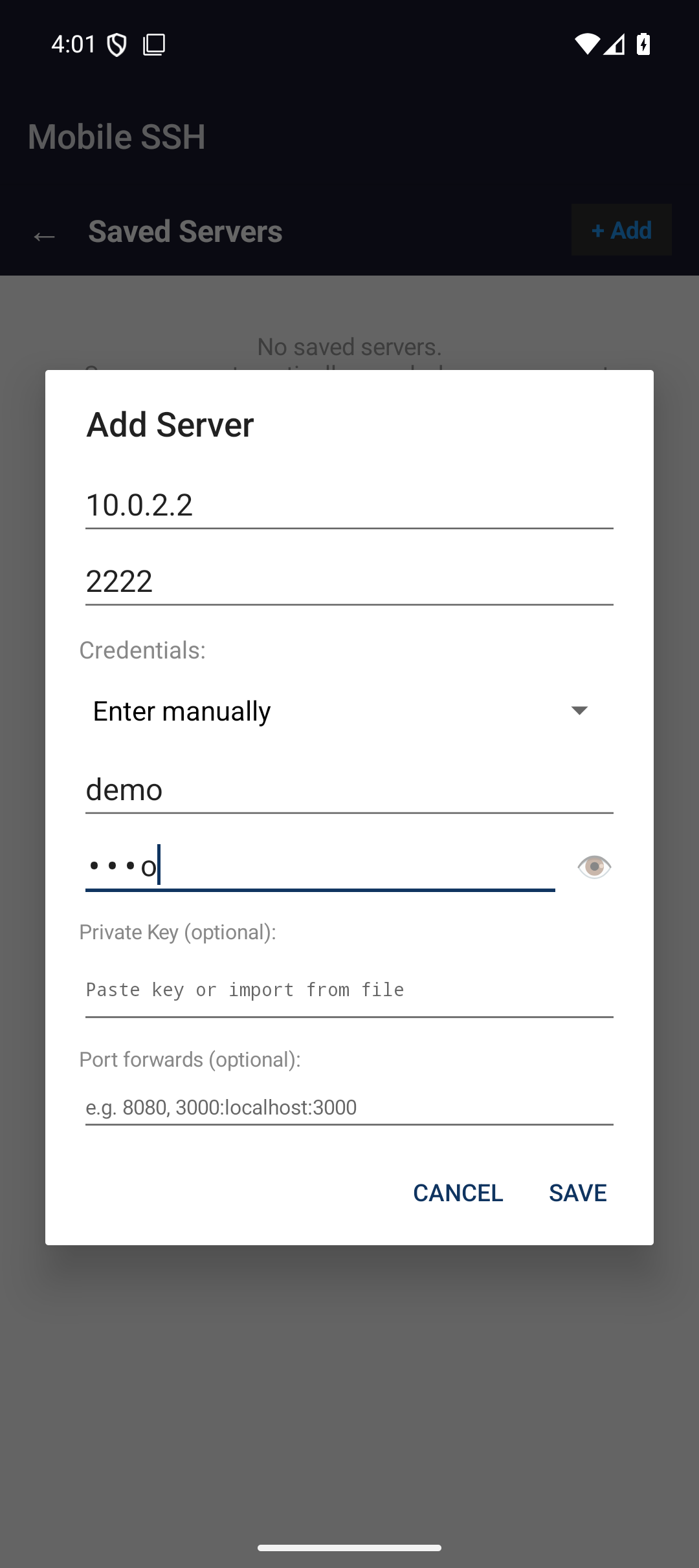
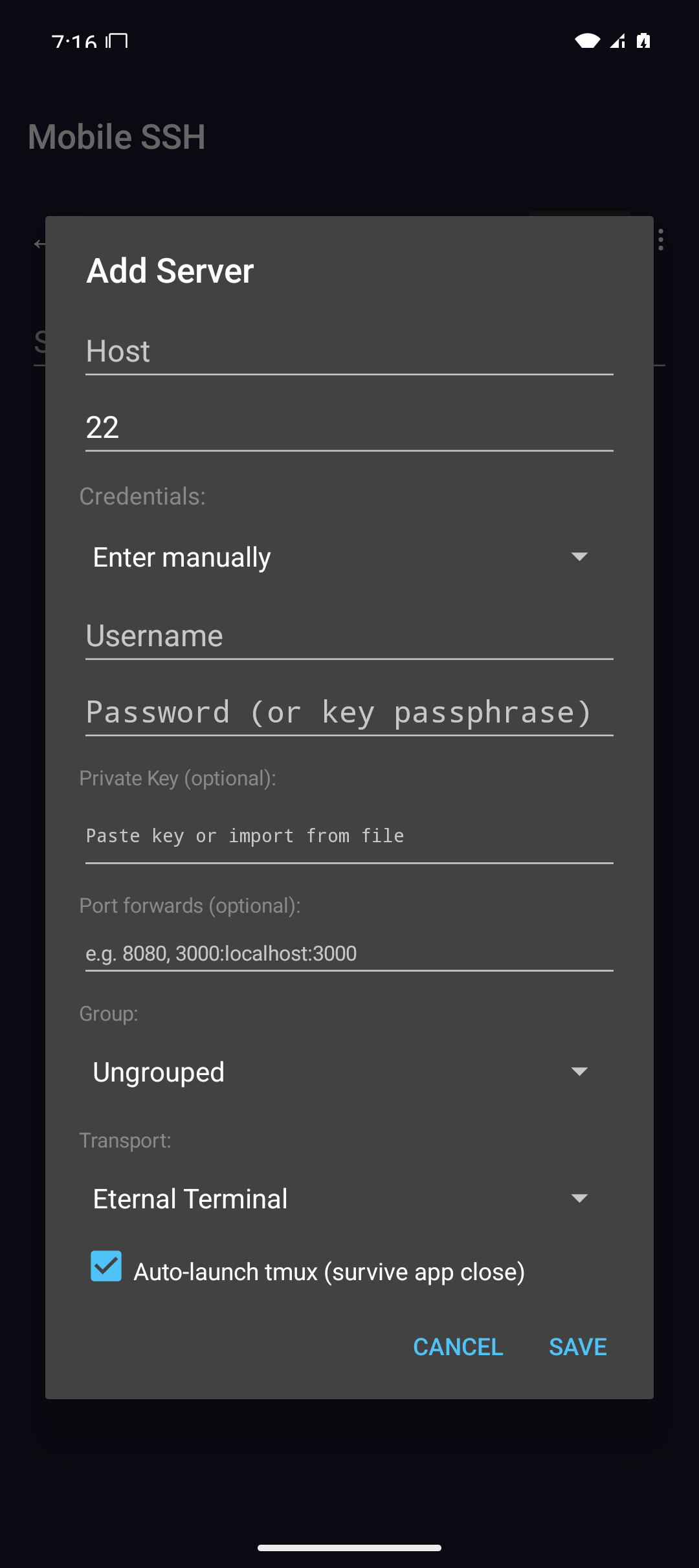
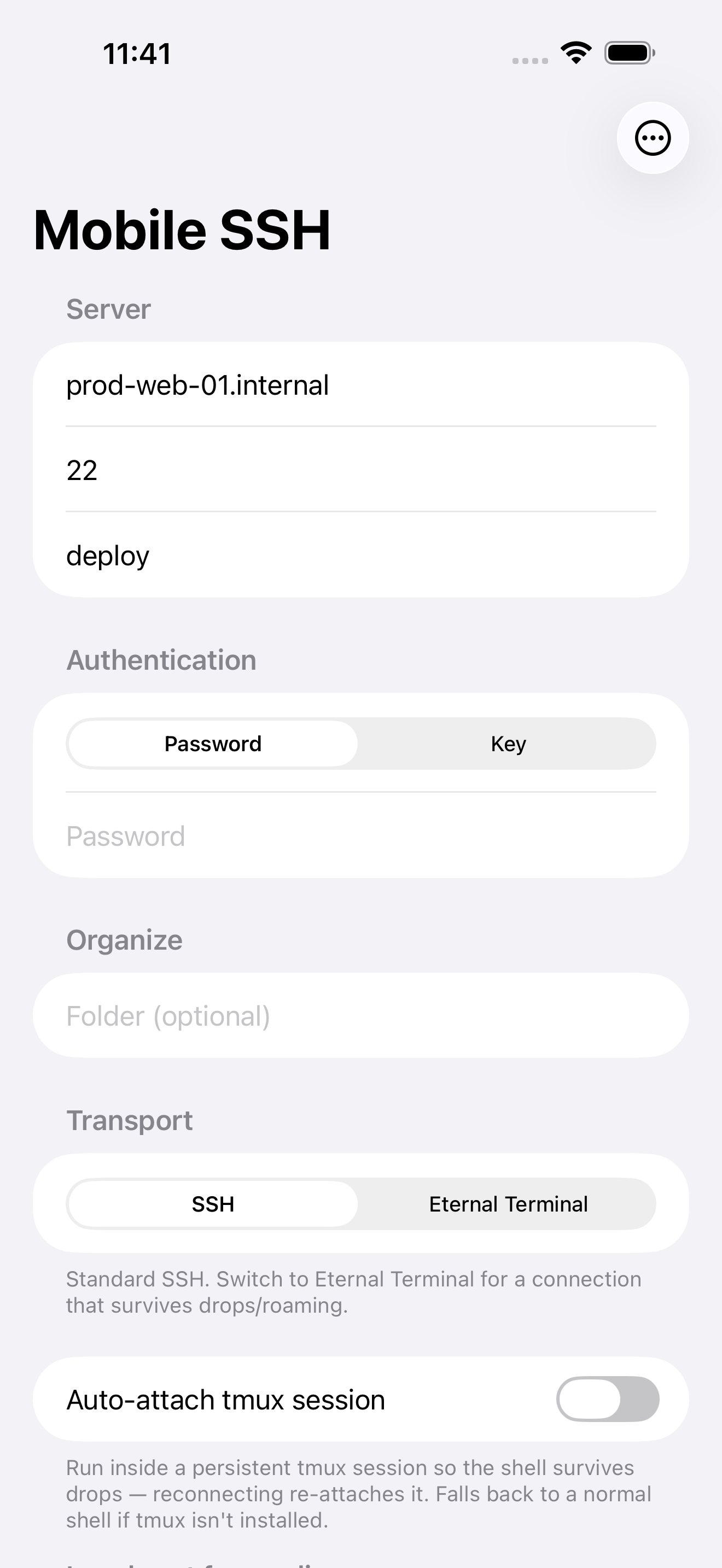
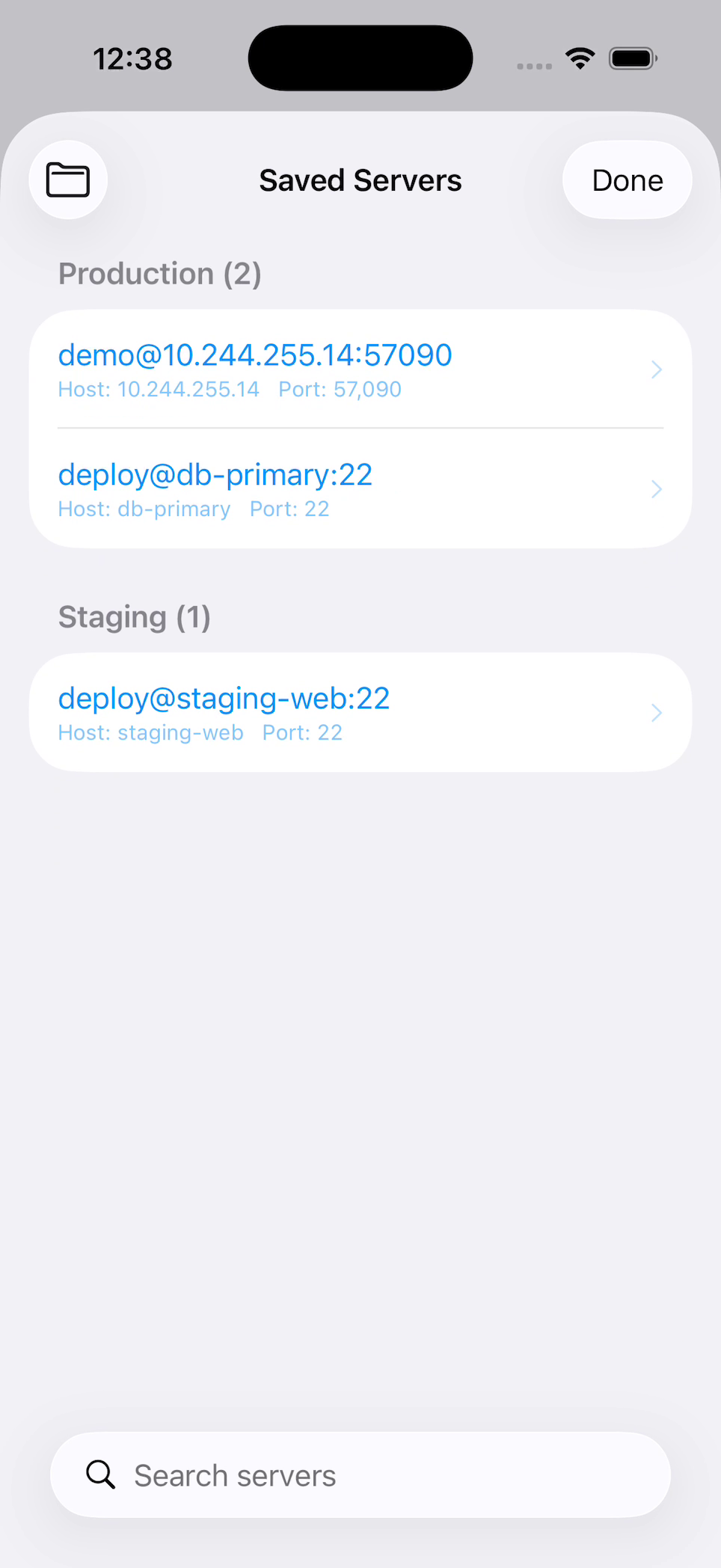
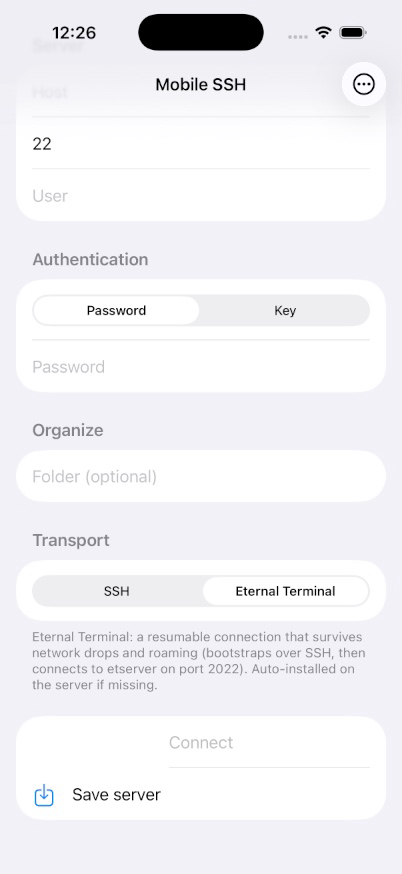
Add host once, then search and tap to connect — wit key, port, and any tunnel wey you don set.
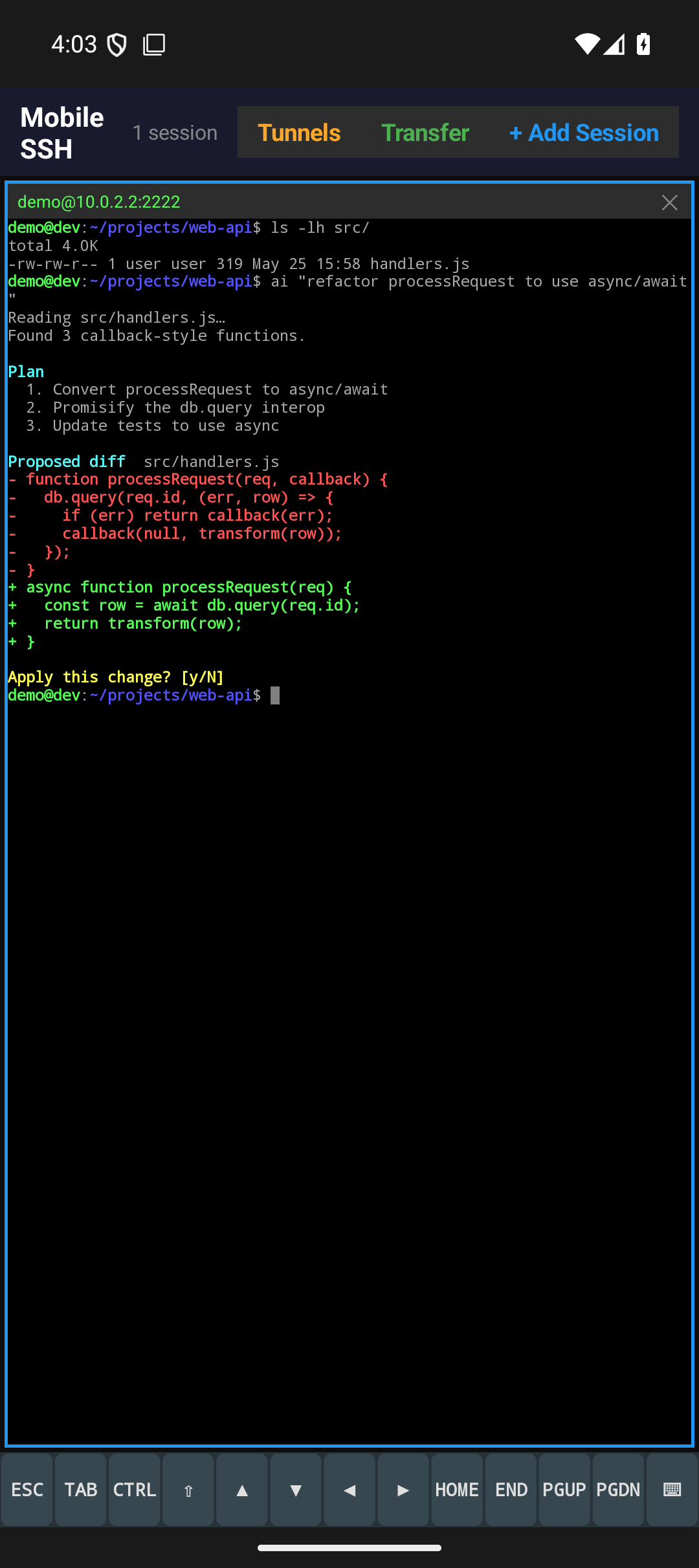
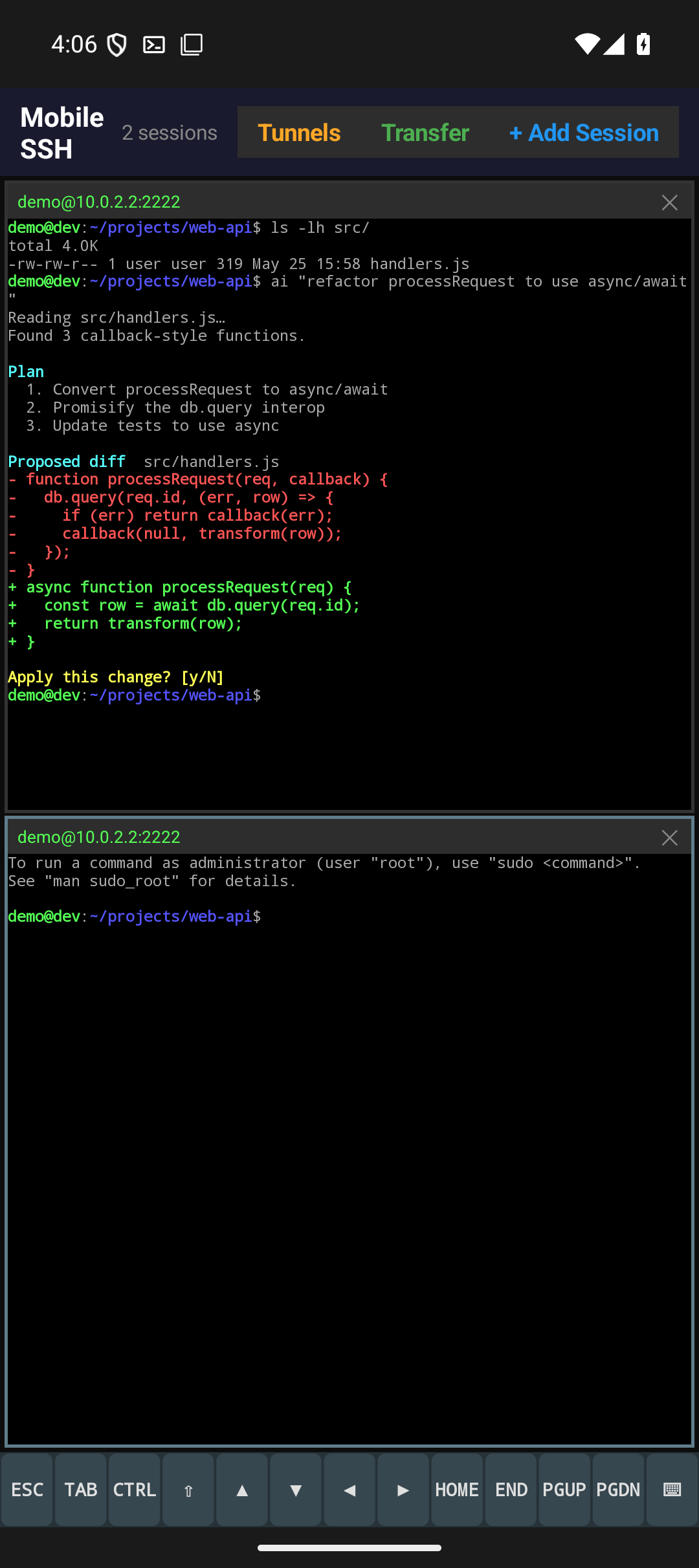
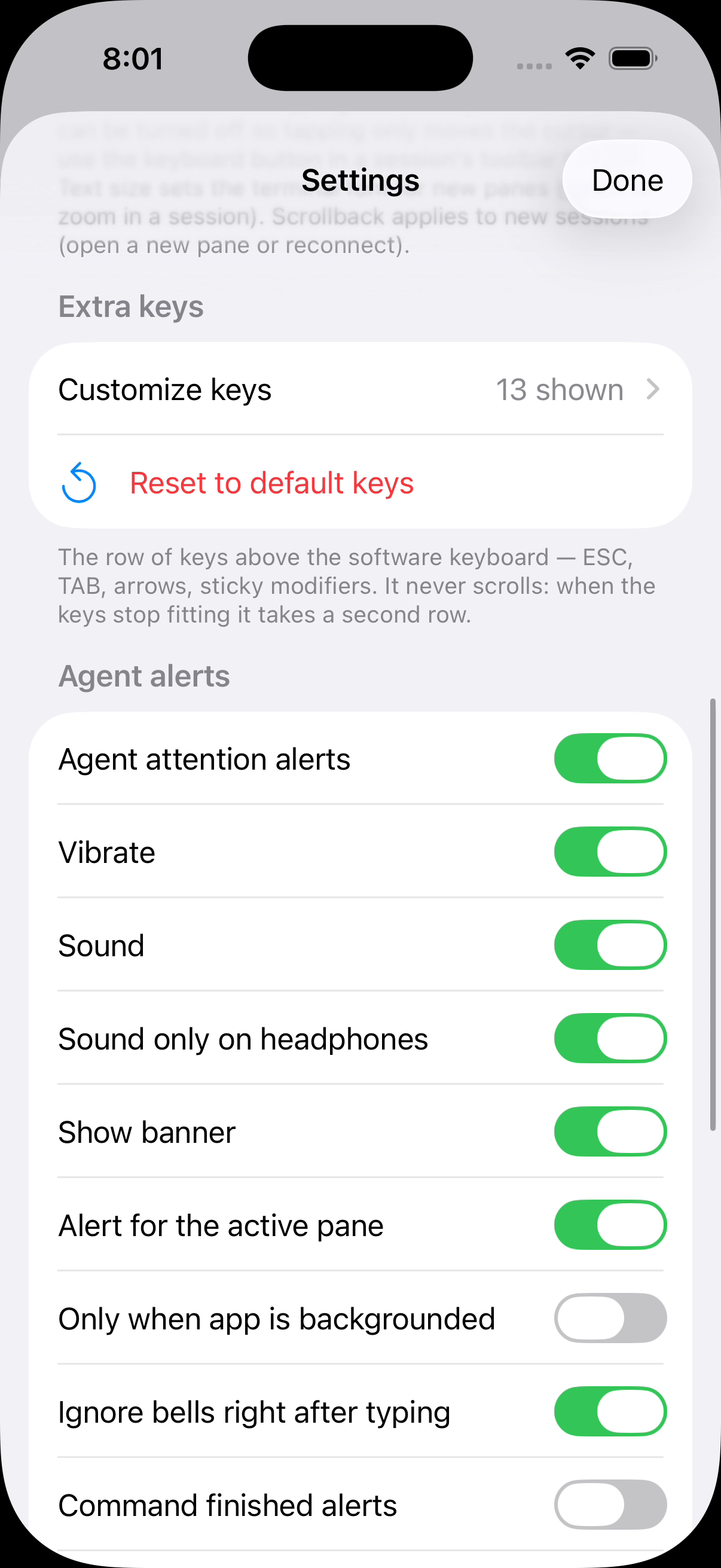
Sabi di moment wey Claude Code, Codex, or anoda agent need you: di pane go turn amber, badge for di toolbar dey count who dey wait, and di Agents list dey answer di prompt wit one tap — you no go type anything inside di terminal.
Row of thirteen key — ESC, TAB, CTRL, arrows, Home, End, PgUp, PgDn — wey dey wrap go second row instead of scroll, so nothing dey hide comot for screen. Add F1–F12, Ctrl combos, or your own escape sequences from preset palette.
Tunnels dey attach to di server profile and dey come up automatic wen you connect.
Give one saved server plenty address — home LAN IP and VPN IP — and Mobile SSH go dial whichever one answer, e go first try di last one wey work, and e go reconnect di moment di network change. For Android, foreground service and wake locks dey hold di shell across screen-off; for iOS, auto-reconnect plus tmux auto-attach go carry you back where you stop.
Optional ET transport dey keep di remote shell alive across network drop, sleep, and IP change. Di host no get etserver? Mobile SSH fit install am over SSH for you.
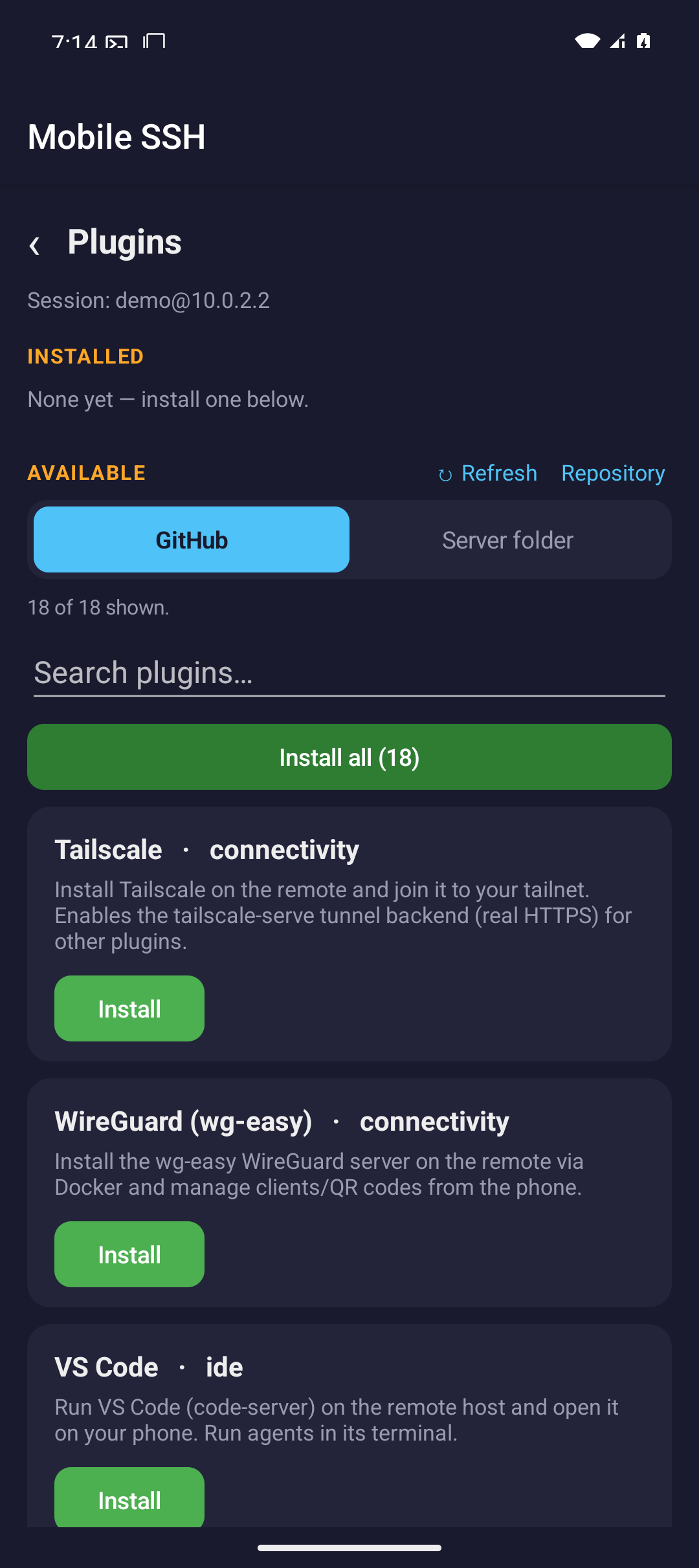
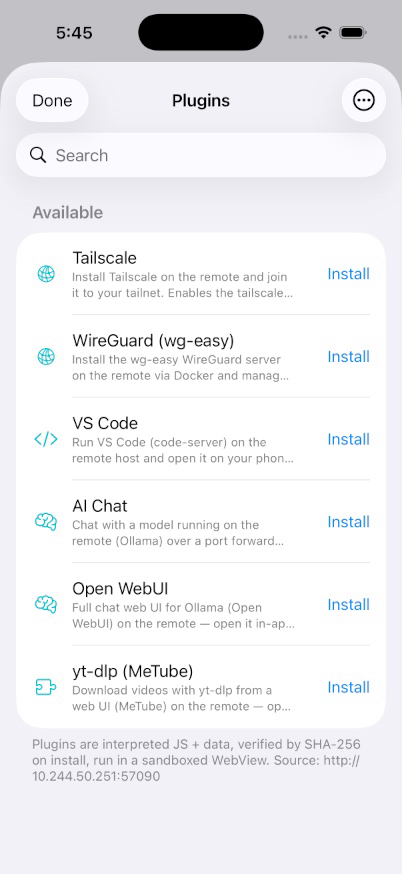
Browse public catalog and install plugins as you need dem to add new workflow. Each plugin dey download and SHA-256 verified enter app-private storage.
Make for mobile SSH work
Mobile SSH dey keep di admin road short: save server, connect, keep session dey alive, move file wen you need am, and quick return to live terminal.
xterm-256color terminal wit 24-bit true color, italics, in-terminal search, OSC 133 shell integration, and pinch-to-zoom text sizing — plus font and color scheme wey you fit configure and Nerd Font powerline/icon glyphs for Android and iOS.
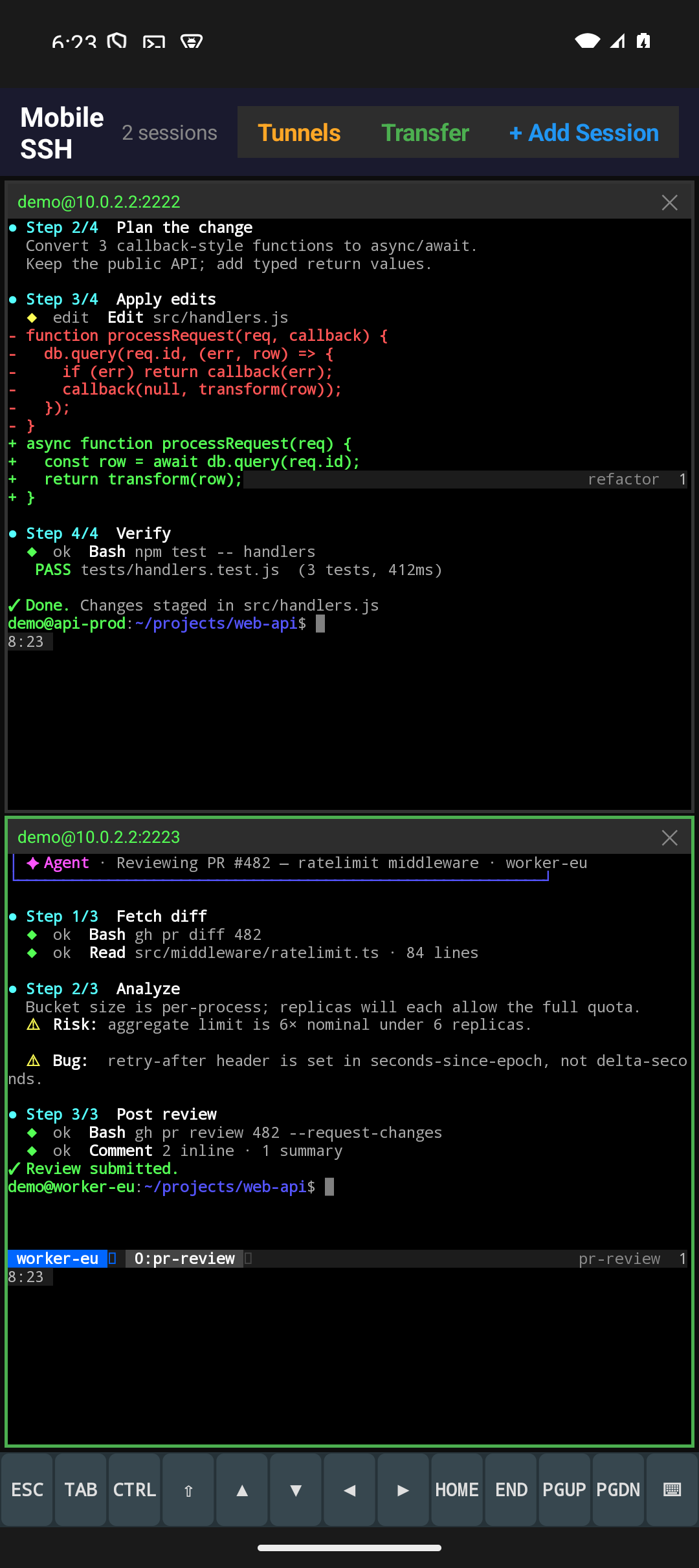
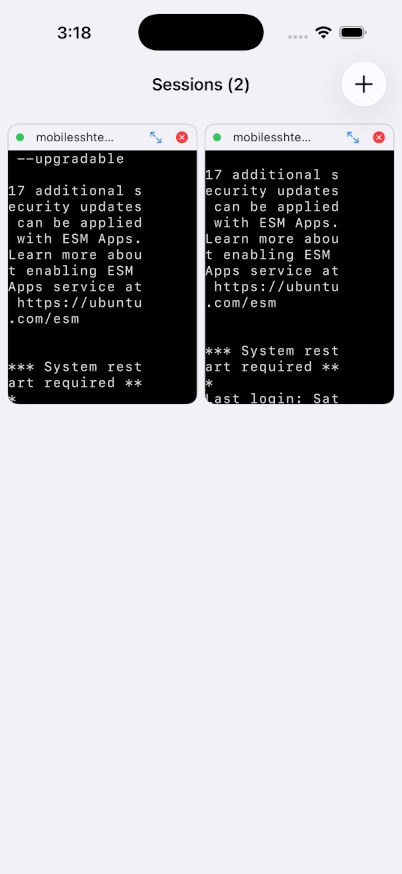
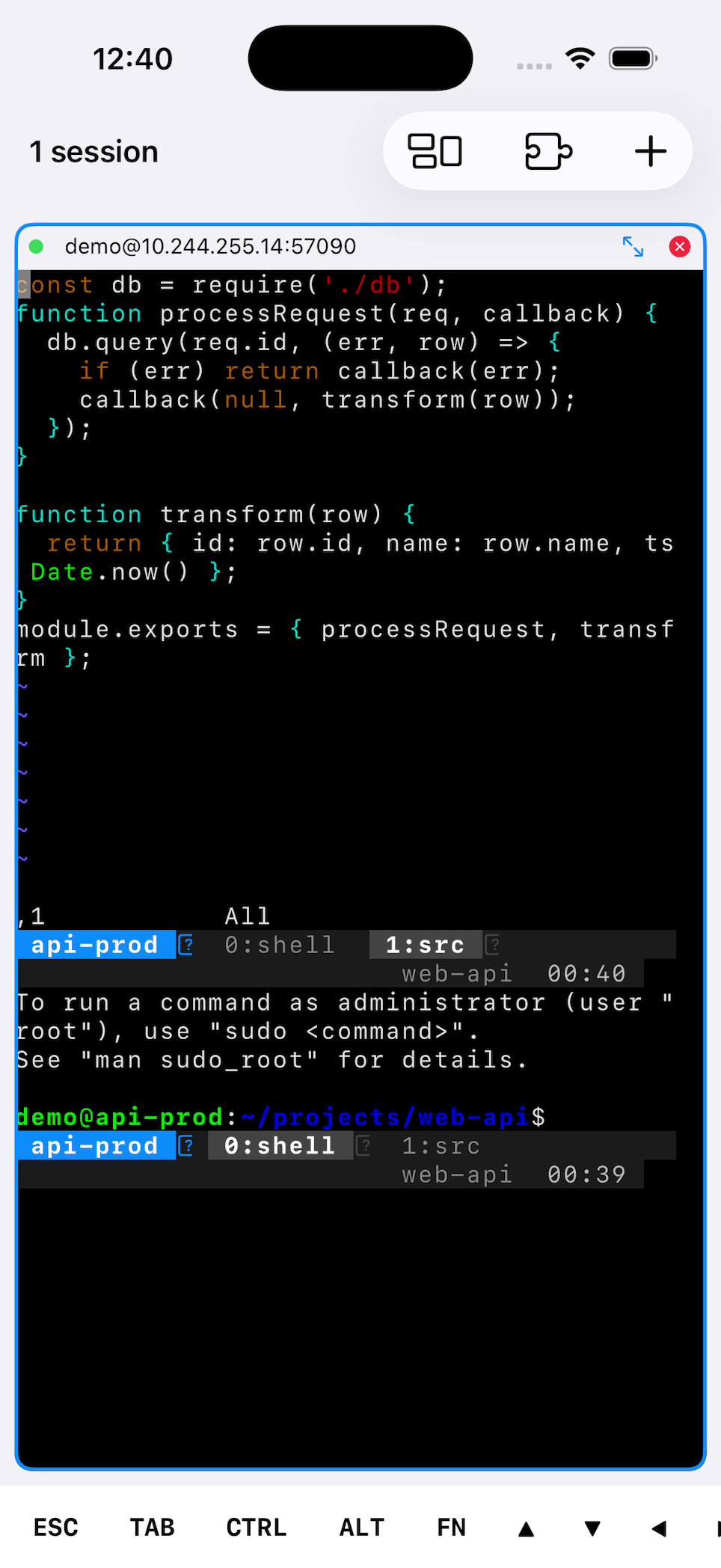
Up to eight SSH session for resizable grid — tap pane to focus, double-tap for fullscreen, pinch to resize text.
URLs wey dey inside di terminal dey underline and go open for browser wit one tap — no need to copy or switch app.
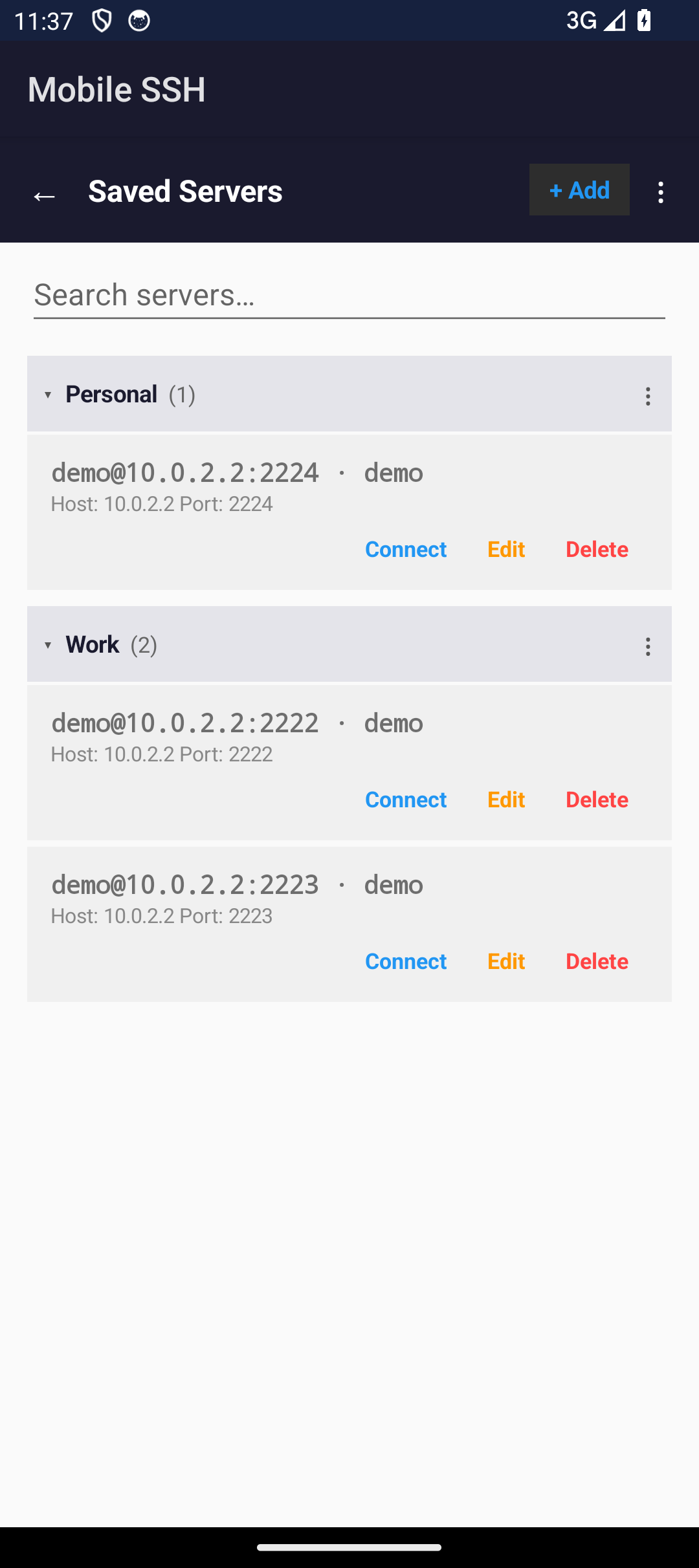
Arrange saved servers for collapsible groups, and give server name wey go show instead of im address. Di address dey come back wenever name go confuse person, so di rows no dey blur together.
Agents dey report demsef through di terminal, so di app sabi which one block and na for wetin. Answer from di Agents list wit one tap; alerts dey replace demsef instead of stack, and wen you tap one e dey open di pane wey ring.
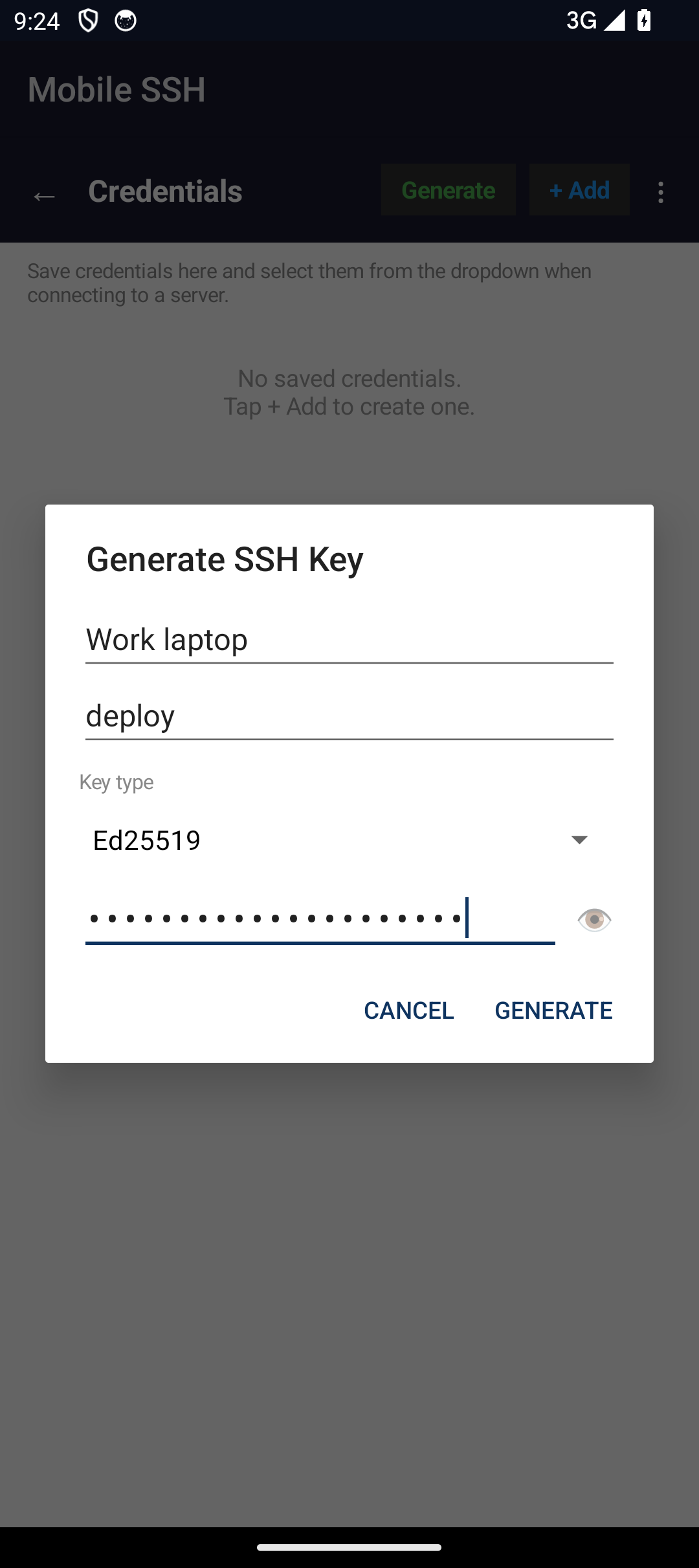
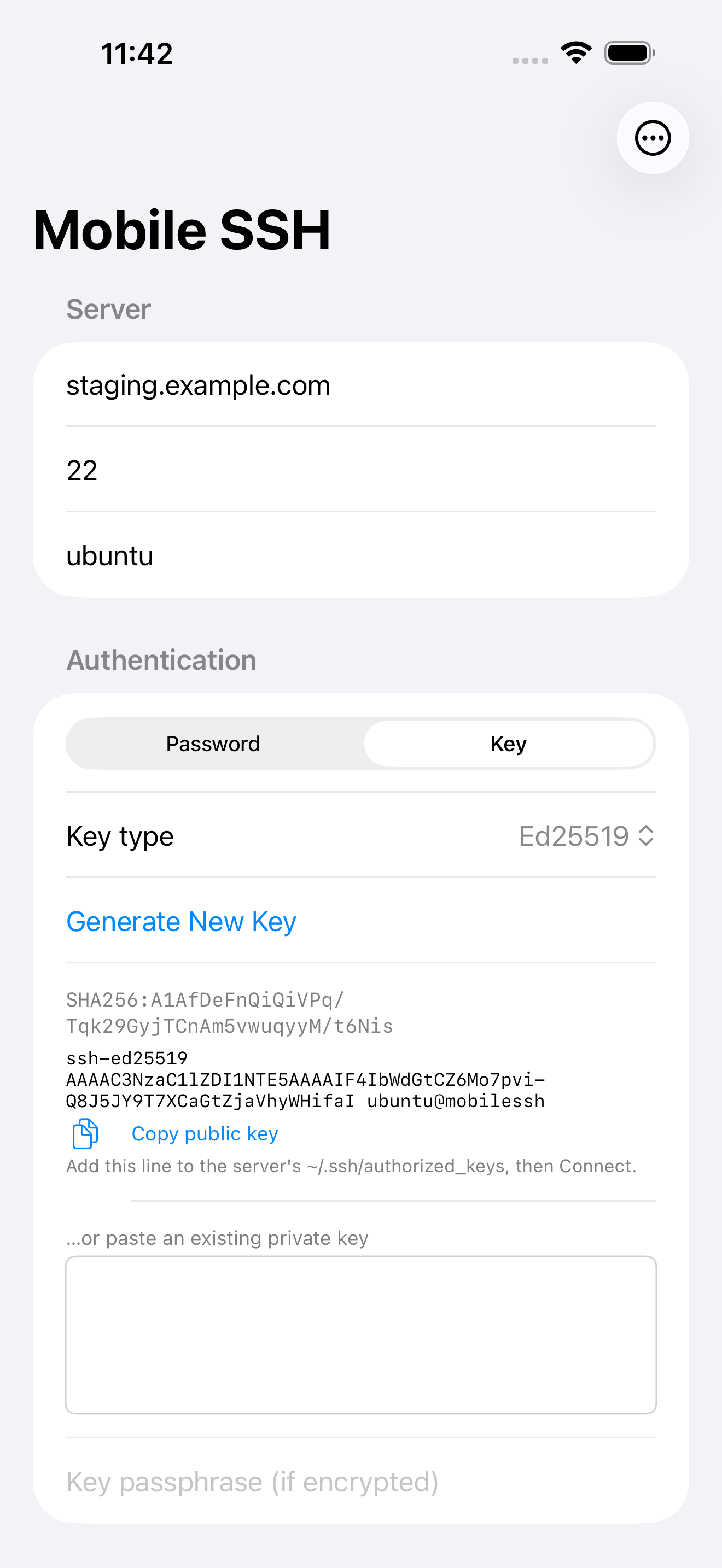
Use password or private key, and create Ed25519 or ECDSA key for your device (Android fit create RSA too). Android still support FIDO2 security keys through USB/NFC and SSH agent forwarding wey you fit enable for each server.
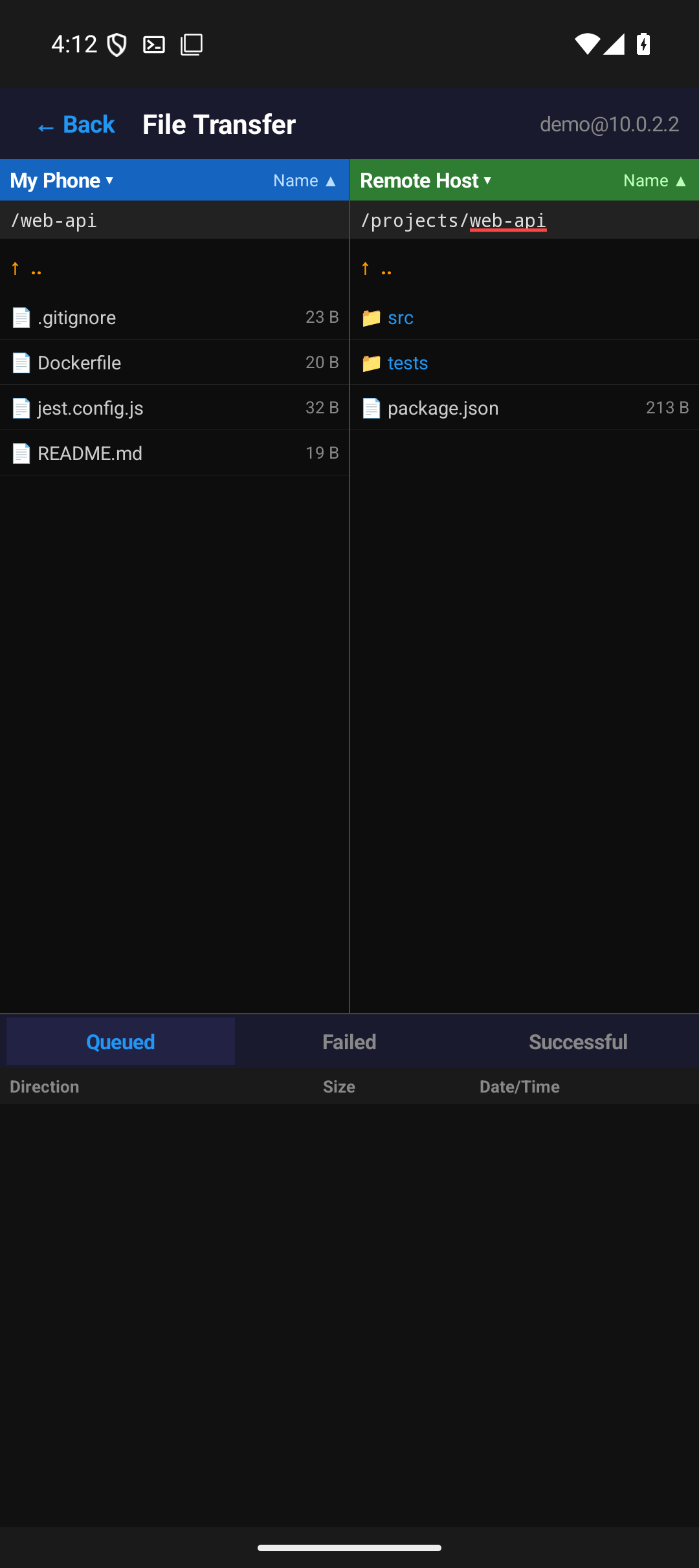
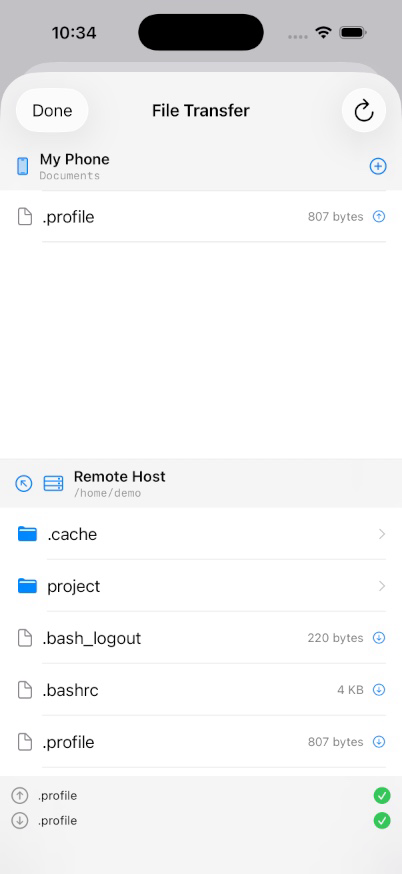
Dual-pane file browser wey dey tie to active SSH session. Queue uploads and downloads, rename, delete, and check remote permissions.
Save local tunnel spec wit server profile and dem dey open automatic wen you connect — including after reconnect on new network, witout you rebuilding dem by hand.
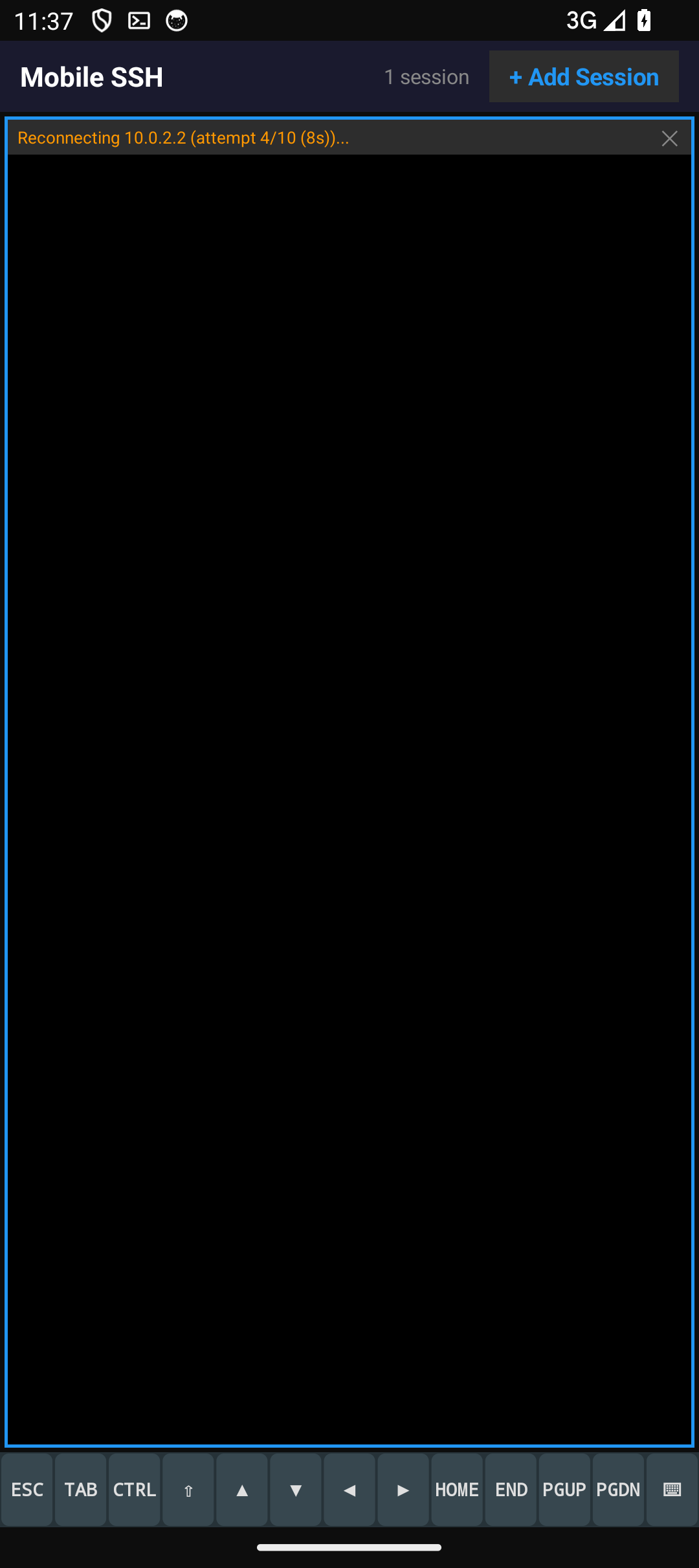
Change network and di sessions go re-dial one time instead of waiting make di dead route timeout, and session wey dey backoff go wake di moment usable network show. For iOS, wen server quietly stop to answer, di app go notice am and reconnect.
Back up servers, credentials and app settings; you fit encrypt am with passphrase and preview Merge or Replace. Android backup include VPN profiles. Current Android and iOS backups use di same format, with platform settings kept where dem support am.
Connect over Eternal Terminal (ET) for sessions wey dey survive network drop, sleep, and IP change — wit optional automatic etserver setup over SSH.
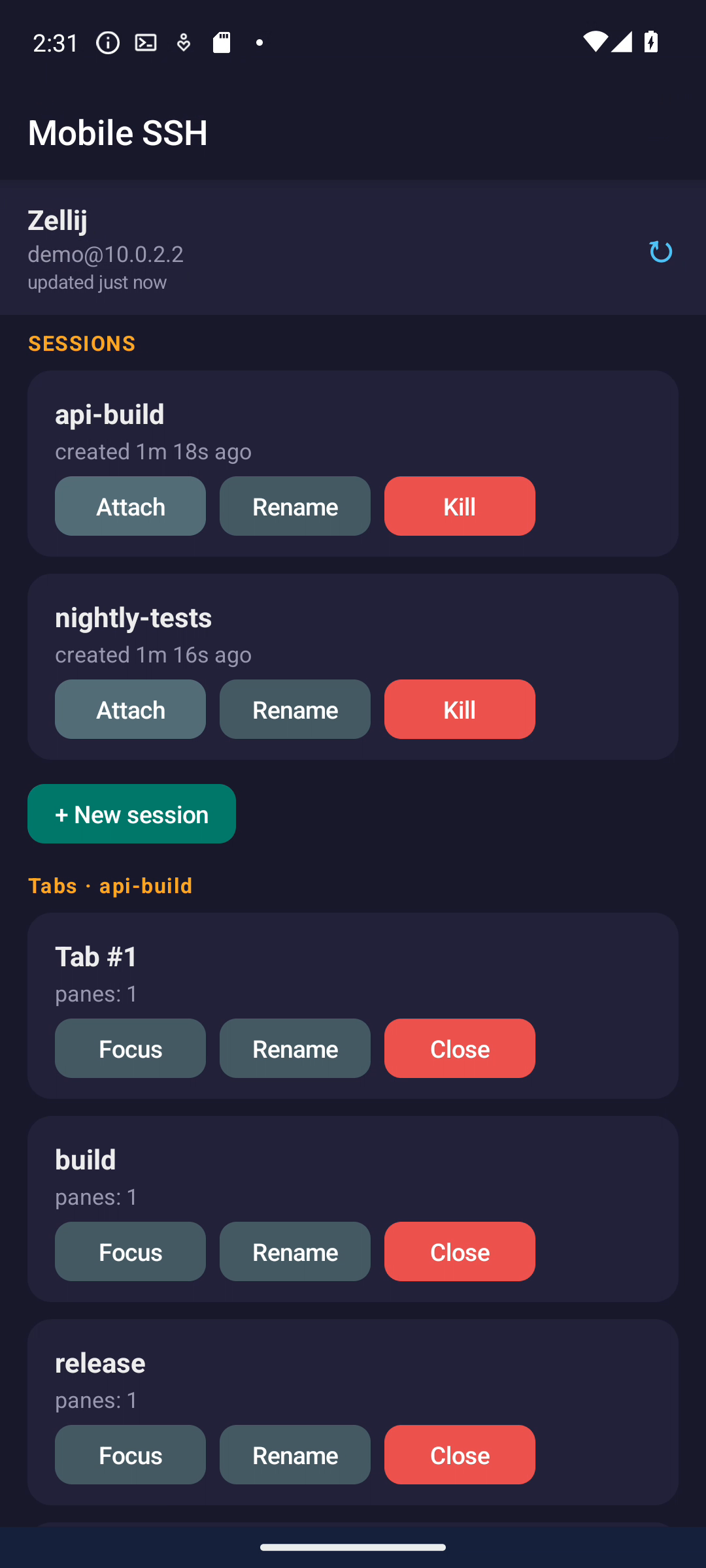
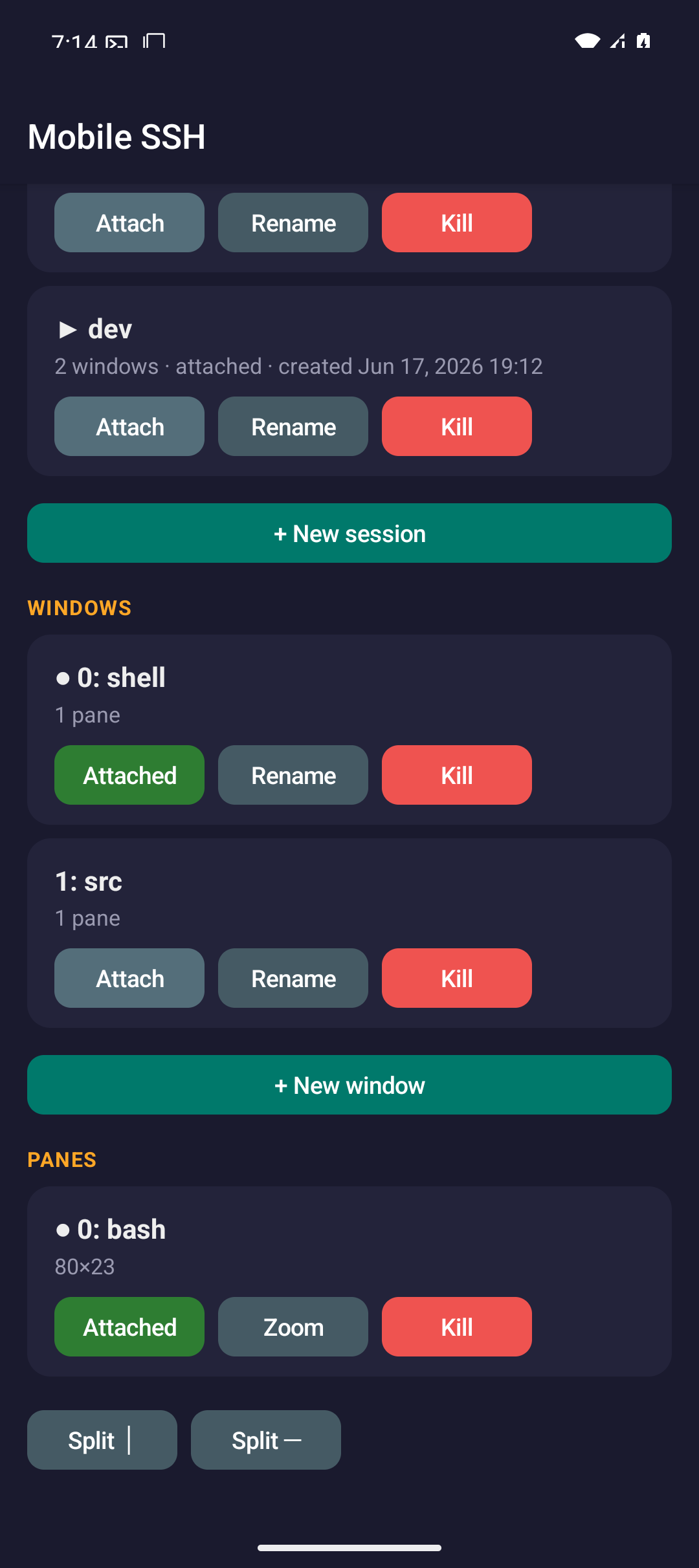
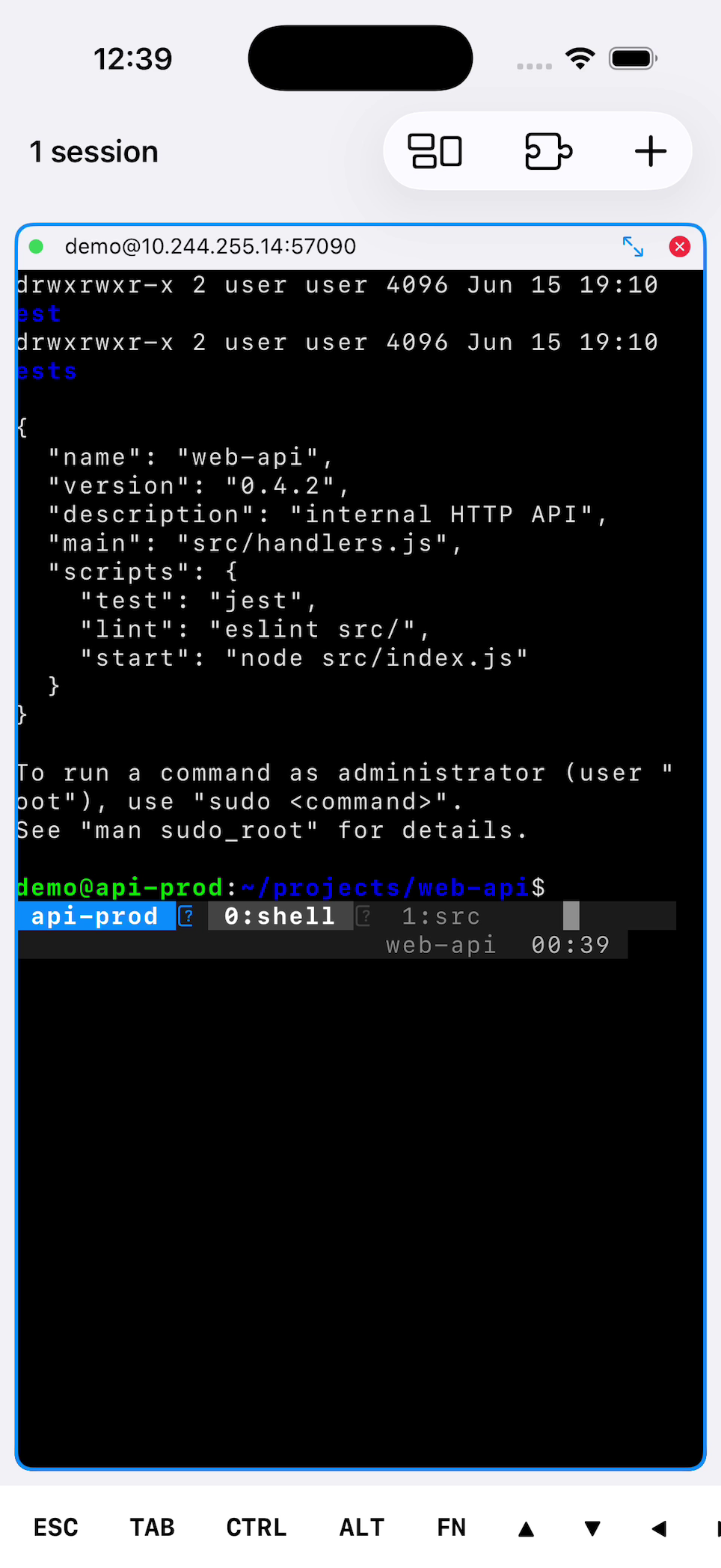
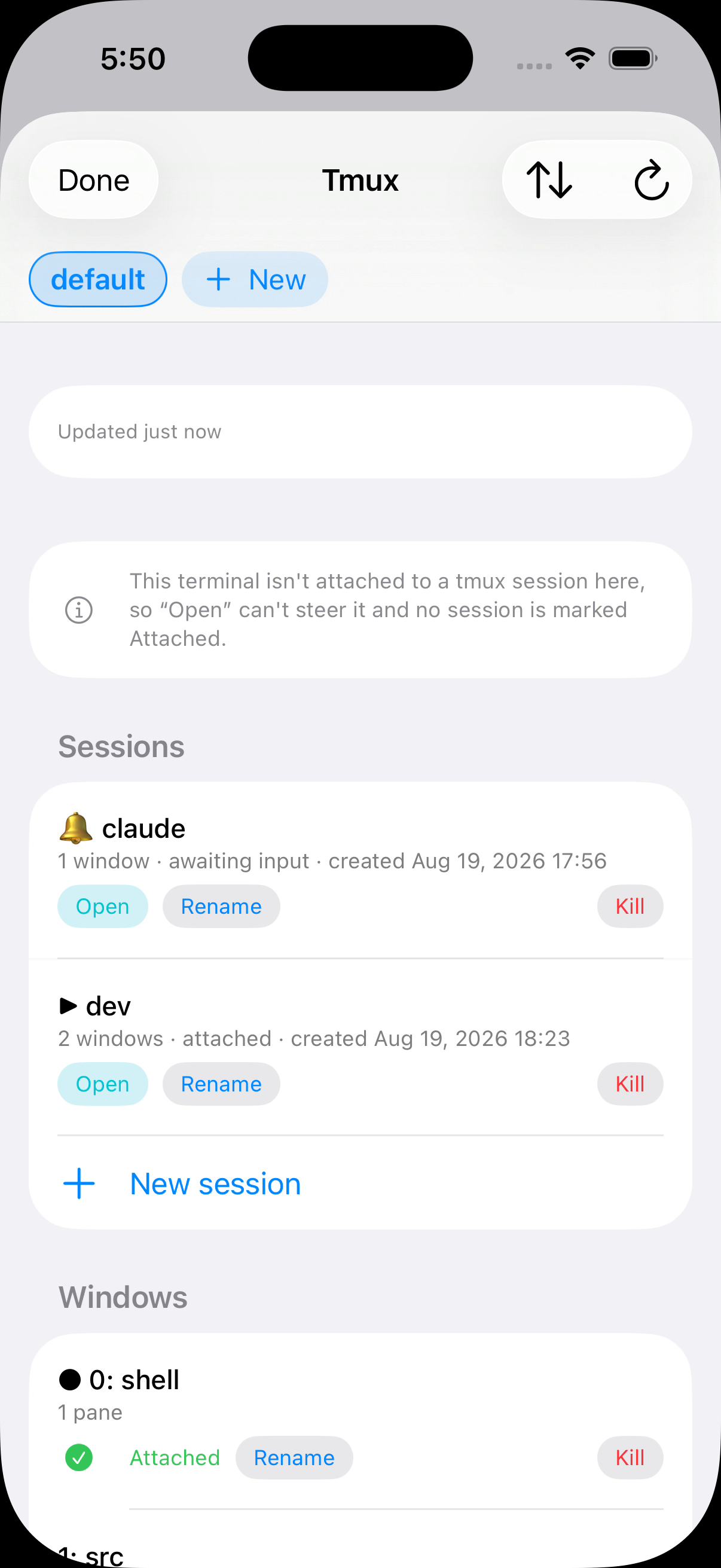
Attach, rename, create, split, zoom or kill sessions with tmux, herdr and Zellij managers for both platforms. One multiplexer toolbar button opens di managers wey dey available; saved servers let you choose wetin go attach when you connect.
Browse, search and filter plugins by category, then install di workflows wey you need. Downloads pass SHA-256 check before dem enter storage wey na only di app fit access.
Reach servers through saved bastions for either platform. Host-key checks happen before login and block keys wey change. Android fit pin new keys automatically or ask first; iOS asks you to confirm unknown keys.
Open VNC desktop through SSH for Android and iOS, with touch controls, keyboard input, clipboard and remote screen sizing if di server supports am.
Manage SSH VPN, local SOCKS5 proxy, WireGuard, Shadowsocks and OpenVPN from home screen. Choose profile, start routing, then use Mobile SSH VPN Quick Settings tile to stop or resume am.
One screen, plenty live shell
Terminal view fit hold plenty active SSH session for grid. Pick pane to type, use di extra key row for terminal controls, pinch to adjust text size, double-tap pane wen you need fullscreen focus.
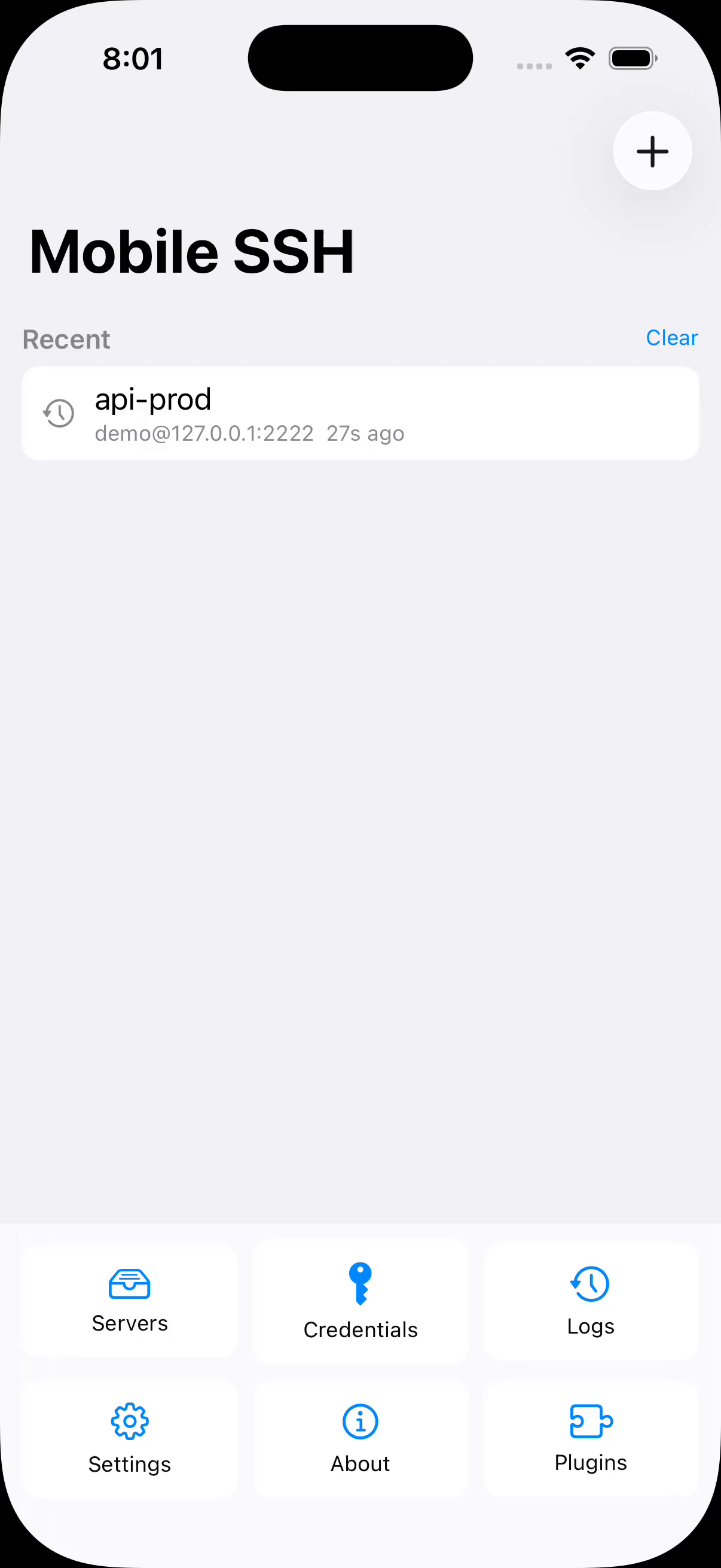
Di home screen dey answer di question "wetin I fit enter back?" — di connections wey dey live right now, and di tmux sessions wey dey wait for your saved servers, wey e rebuild from stored snapshot so dem dey show even wen no network dey at all.
SFTP wen terminal no reach
Browse local and remote folders, queue transfers, remember each tmux session remote folder, and open remote files for other apps. Both platforms fit collect shared files into terminal session; iOS fit remember folder wey you choose for Files.
See am for real device
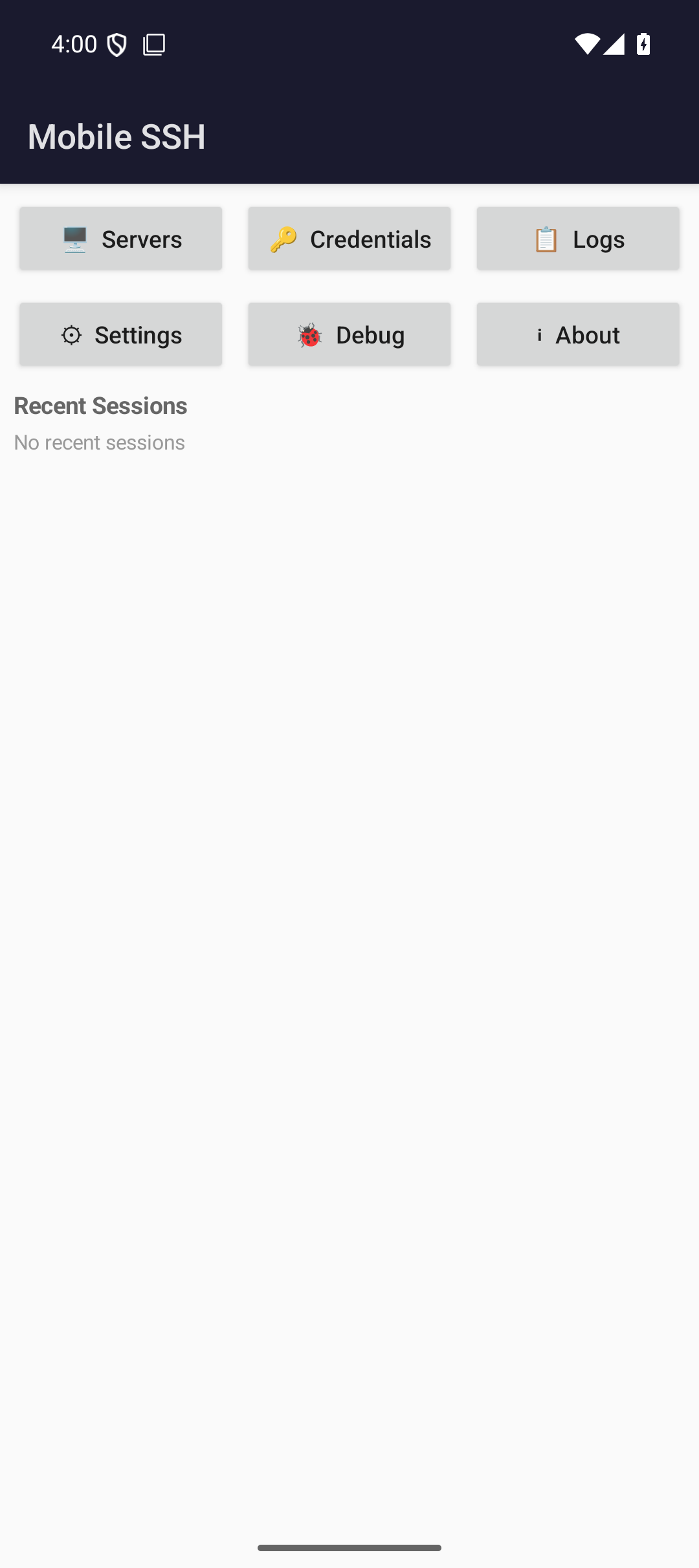
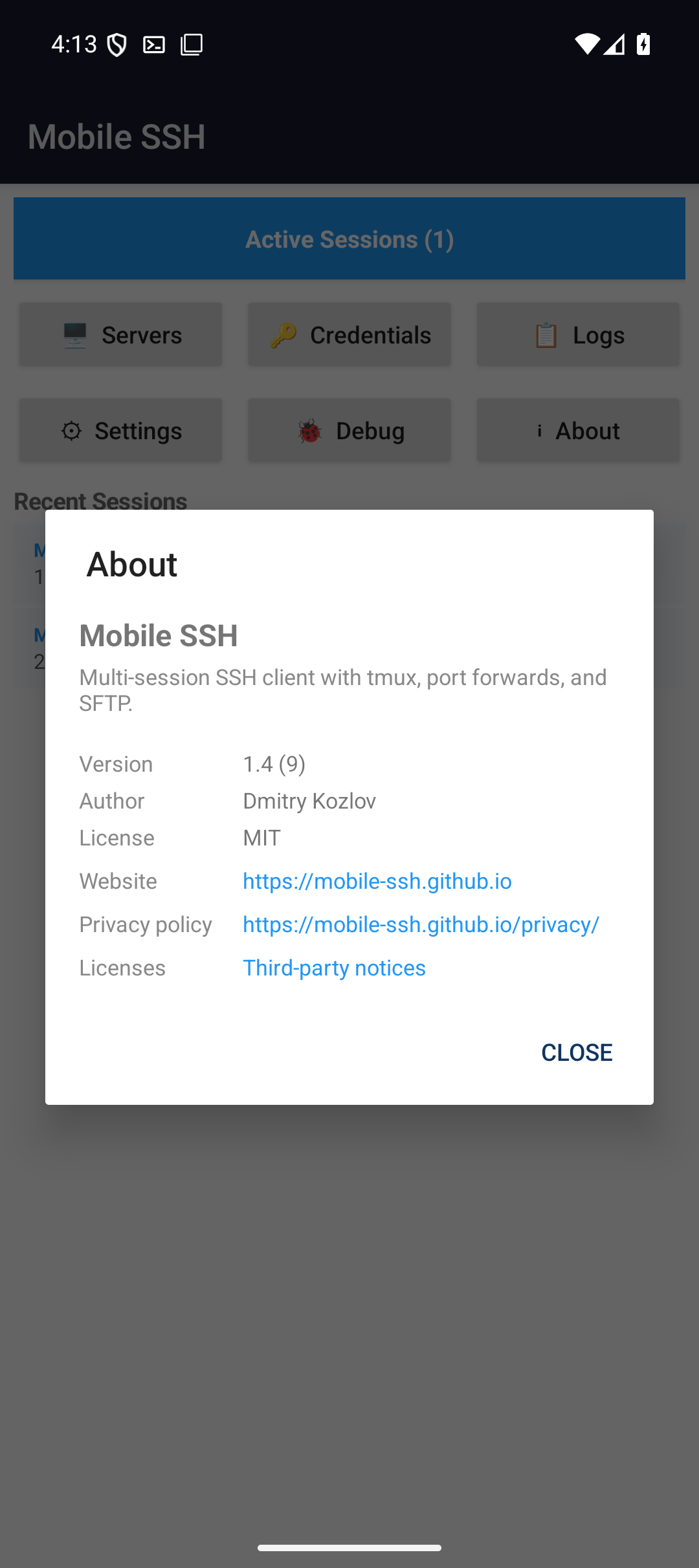
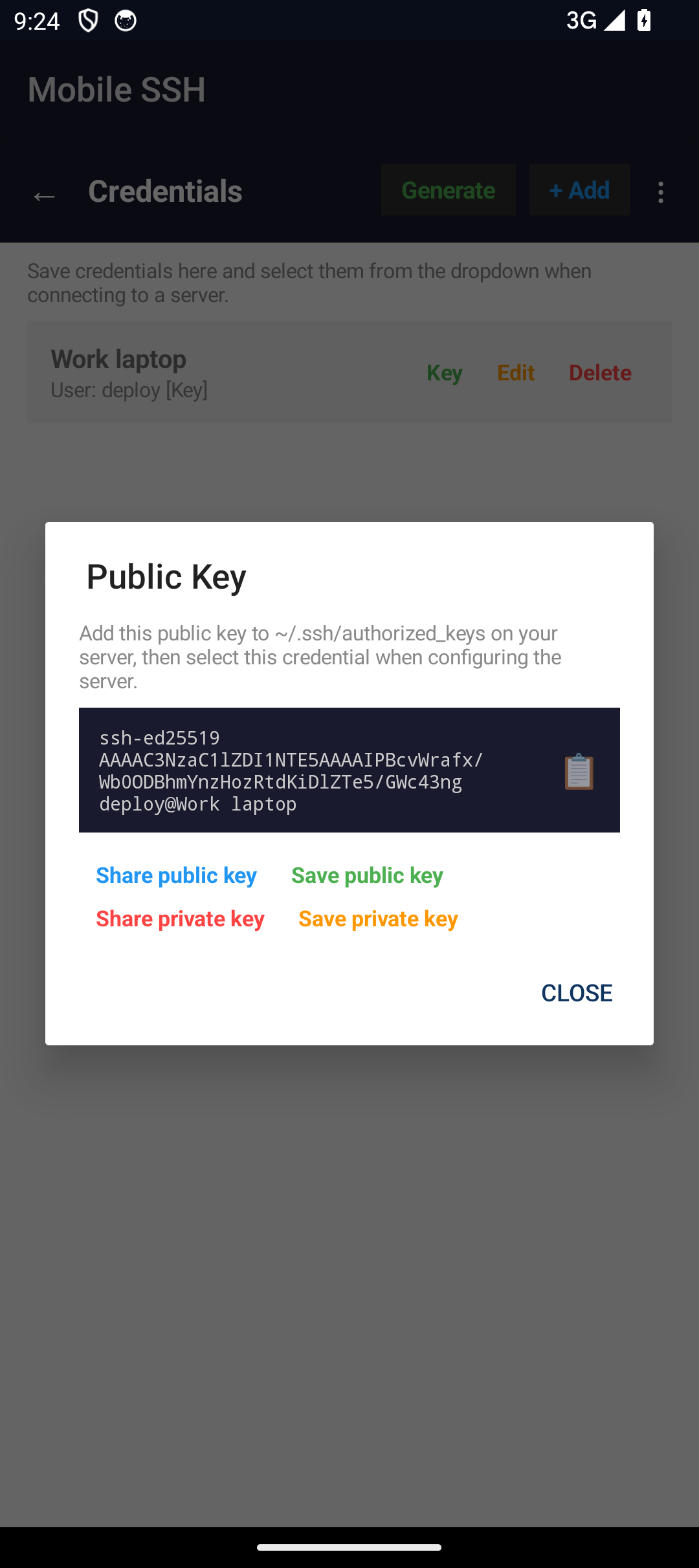
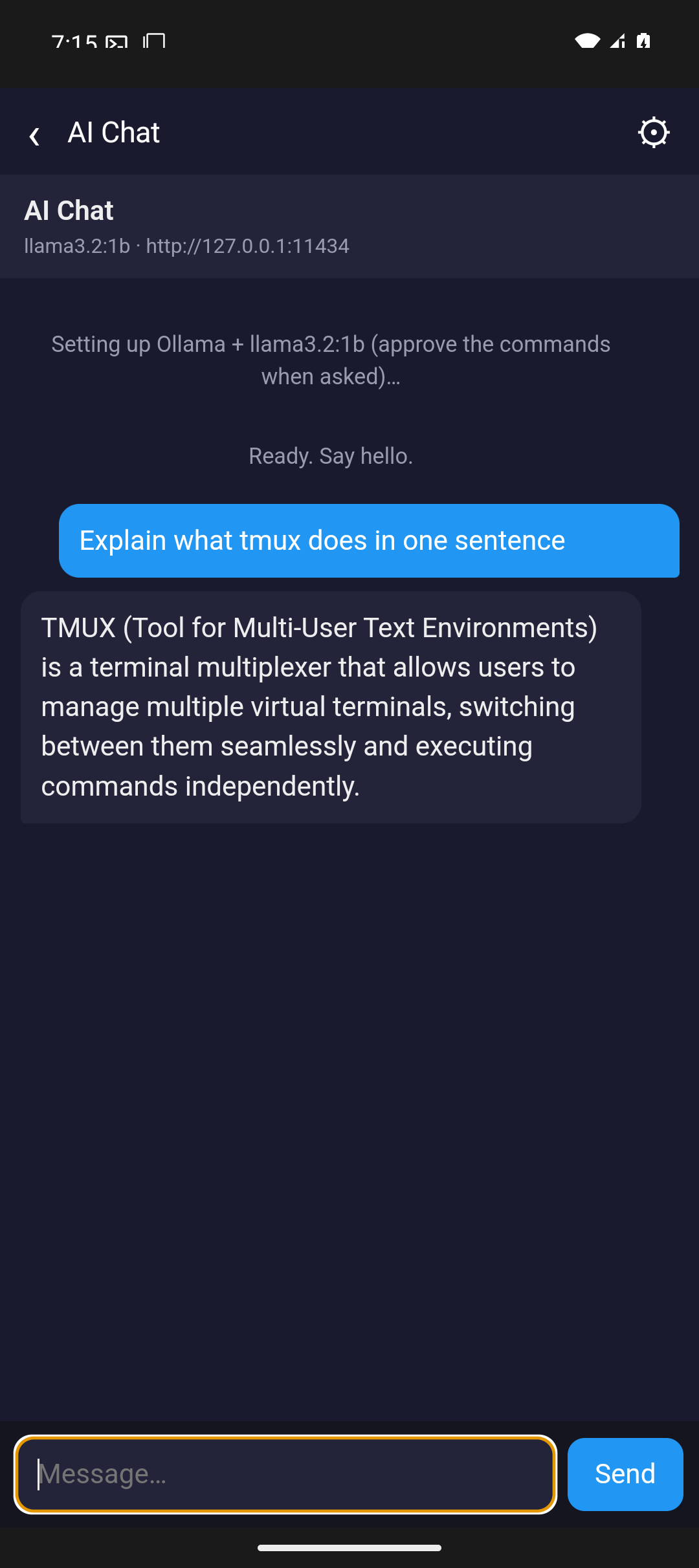
Screenshots from Android phone and iPhone — di same screens wey you go use to add server, work for terminal, run plenty session, and move file wit SFTP.
Android
iOS — iPhone & iPad
See am as e dey work
Short demos for di two platforms. Android: di home screen wey dey answer wetin you fit go back inside, session toolbar wey dey show only wetin dat server get, sending file straight enter di prompt, and di tmux, herdr and Zellij managers. iOS: opening straight enter live terminal, and di home screen wey you dey come back to.
One video for each session manager
Di overview demos introduce tmux, herdr and Zellij. These longer recordings show how to control sessions, windows, tabs and panes for both platforms against live server.
tmux
Sessions, windows and panes wey you fit reach from di home screen, wit one session wey bell mark because something for inside dey wait make person answer am. Attach one window and di terminal wey dey run go follow am; create window and give am name — you no go type any prefix chord at all.
herdr
Workspaces, tabs and panes wey carry real agent state — one agent dey work, anoda one block dey wait for person. Preview di one wey block, answer am from di phone, and watch as herdr go mark am working, then done.
Zellij
Sessions wit how old dem be, then tabs and panes. Preview wetin one pane dey show witout attaching, add tab wey get name, bring di one wey matter come front, and attach — you no type anything for di prompt.
Three more wey we film for Android
No iOS take dey for dis ones yet. Na di same live server wey di demos wey dey up there use: session wey dey survive even wen you comot for di app, key wey di phone make instead of one wey you type enter am, and servers wey dem group di way wey you dey think about dem.
Di session dey run even wen you comot for di app
Android keeps di connection for foreground service; di ongoing notification names di server and get Disconnect all. Leave while log dey stream and return to di session wey still dey run. iOS only allows short time for background, then reconnects and attaches to your multiplexer again.
Na here dem dey make keys, no be type you dey type am
Generate Ed25519 key for di phone: label, username, and passphrase wey you fit add or leave. Di sheet wey follow dey show di public half wey you go put inside server im authorized_keys, and e fit share or save any of di two halves.
Servers dey live inside folders wey you name
Arrange servers wey you save enter folders and fold di ones wey you no dey use. Di same take dey end for di terminal, where URL wey command print get underline and you fit tap am instead of say you go dey select am by hand.
Chart wey dey move, inside di terminal
One GIF wey get 36 frames, wey dem stream over di Kitty graphics protocol and di app decode am for di file im own frame timing — na no be say person dey push am from outside. Then di escape sequences wey dem dey take judge terminal: OSC 8 dey turn build numbers and dashboard names into something wey you fit tap, OSC 52 dey let di remote write your phone clipboard, and OSC 777 dey raise real Android notification.
Where e stand next to Termux and Termius
Mobile SSH na intentionally narrow tool: e no be full Linux environment, e no be cross-platform team vault. Na local SSH/SFTP tool for Android and iOS wey give fast access to di session controls wey mobile user dey need pass.